Holiday ad sizes: one Christmas key visual, ten formats
Updated November 2026 · PixFit team
A holiday campaign needs the usual Meta and Google formats plus two sizes that are not presets: 1200 × 628 and 300 × 250. In this real example a demo-brand Christmas offer became ten outputs, eight from presets and two from custom sizes, with the offer, price badge, button and legal dates on each.
Holiday offers have a hard stop. The set has to be ready in every size at once, including the old display sizes, because the offer ends on a fixed date and there is no week to fix a missing format.
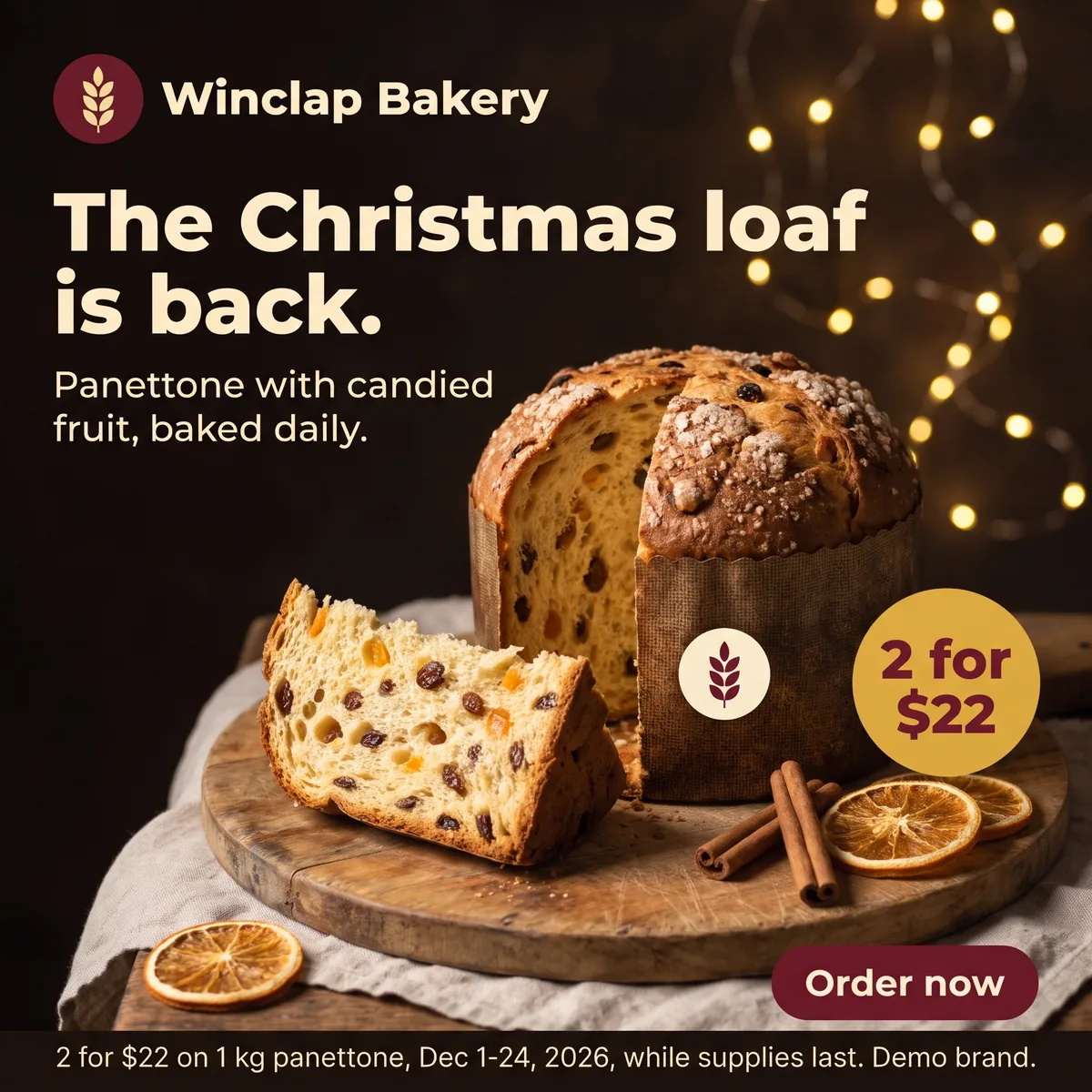 Key visual · 2048 × 2048
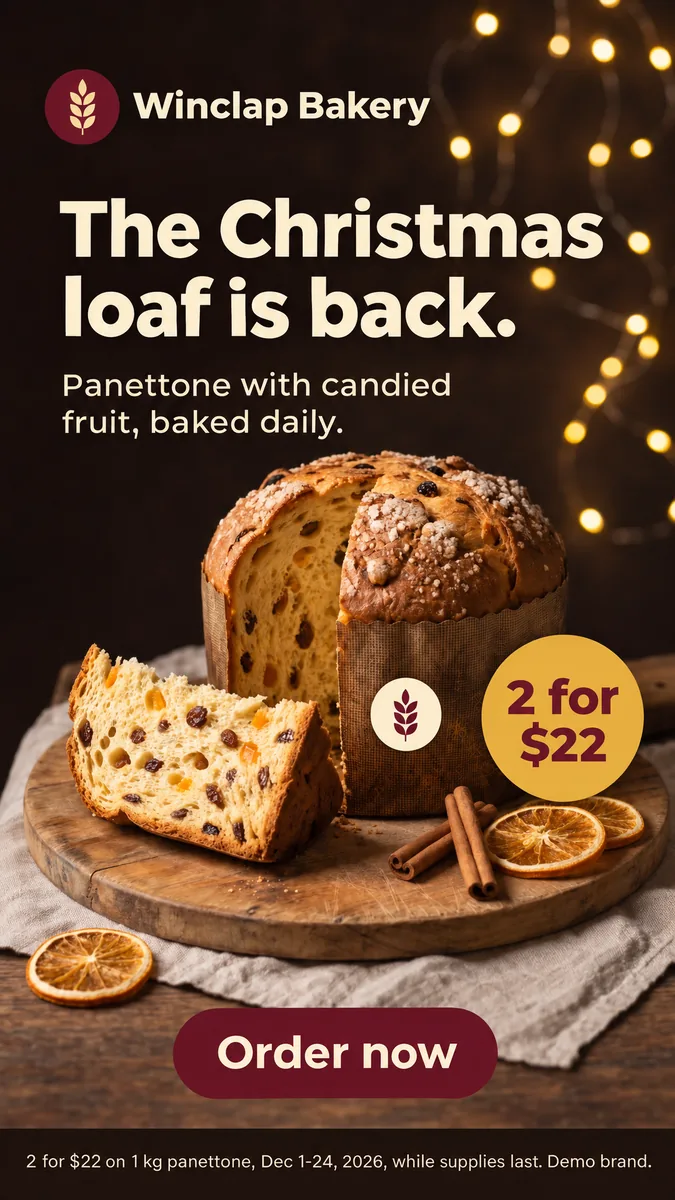 Meta 9:16 · 1080 × 1920
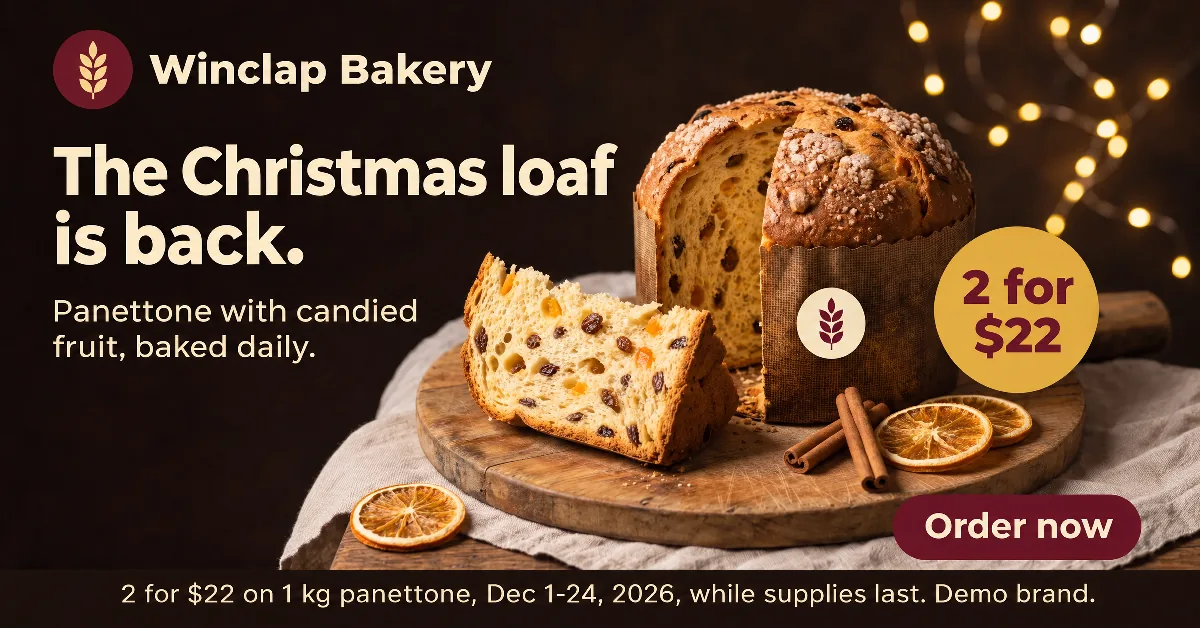 Google 1.91:1 · 1200 × 628 · custom size
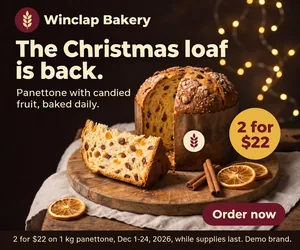 Display 300 × 250 · 300 × 250 · custom size
Winclap Bakery (demo brand): the ten outputs, which came from a preset and which from a custom size
| Placement | Platform recommends | PixFit output | How PixFit made it |
|---|---|---|---|
| Meta Feed 1:1 | Not the ratio the Ads Guide pages cited recommend | 1080 × 1080 | Preset |
| Meta Feed 4:5 | 1440 × 1800 | 1200 × 1500 | Preset |
| Meta Stories and Reels 9:16 | 1440 × 2560 | 1080 × 1920 | Preset |
| Google Demand Gen 1:1 | 1200 × 1200 | 1080 × 1080 | Preset |
| Google Demand Gen 4:5 | 960 × 1200 | 1080 × 1350 | Preset |
| Google Demand Gen 9:16 | 1080 × 1920 | 1080 × 1920 | Preset |
| Google 16:9 | Video ratio; not an image size in the pages cited | 1920 × 1080 | Preset |
| Google landscape image 1.91:1 | 1200 × 628 | 1200 × 628 | Custom size (there is no 1.91:1 preset) |
| Google display medium rectangle | 300 × 250 | 300 × 250 | Custom size |
Platform columns are official recommendations read on 6 November 2026; PixFit columns are what the tool produced. PixFit has 14 presets plus any custom size, and 1200 × 628 has no preset. The key visual is a 1:1 image and the legal line reads “2 for $22 on 1 kg panettone, Dec 1-24, 2026, while supplies last. Demo brand.”
Sources
- Meta Ads Guide: Facebook Feed image, accessed 2026-11-06
- Meta Ads Guide: Instagram Stories image, accessed 2026-11-06
- Google Ads Help: Demand Gen image specs, accessed 2026-11-06
- Google Ads Help: Google Ads image sizes, accessed 2026-11-06
- Google Ads Help: uploaded display ads specifications, accessed 2026-11-06
- Key visual · 2048 × 2048
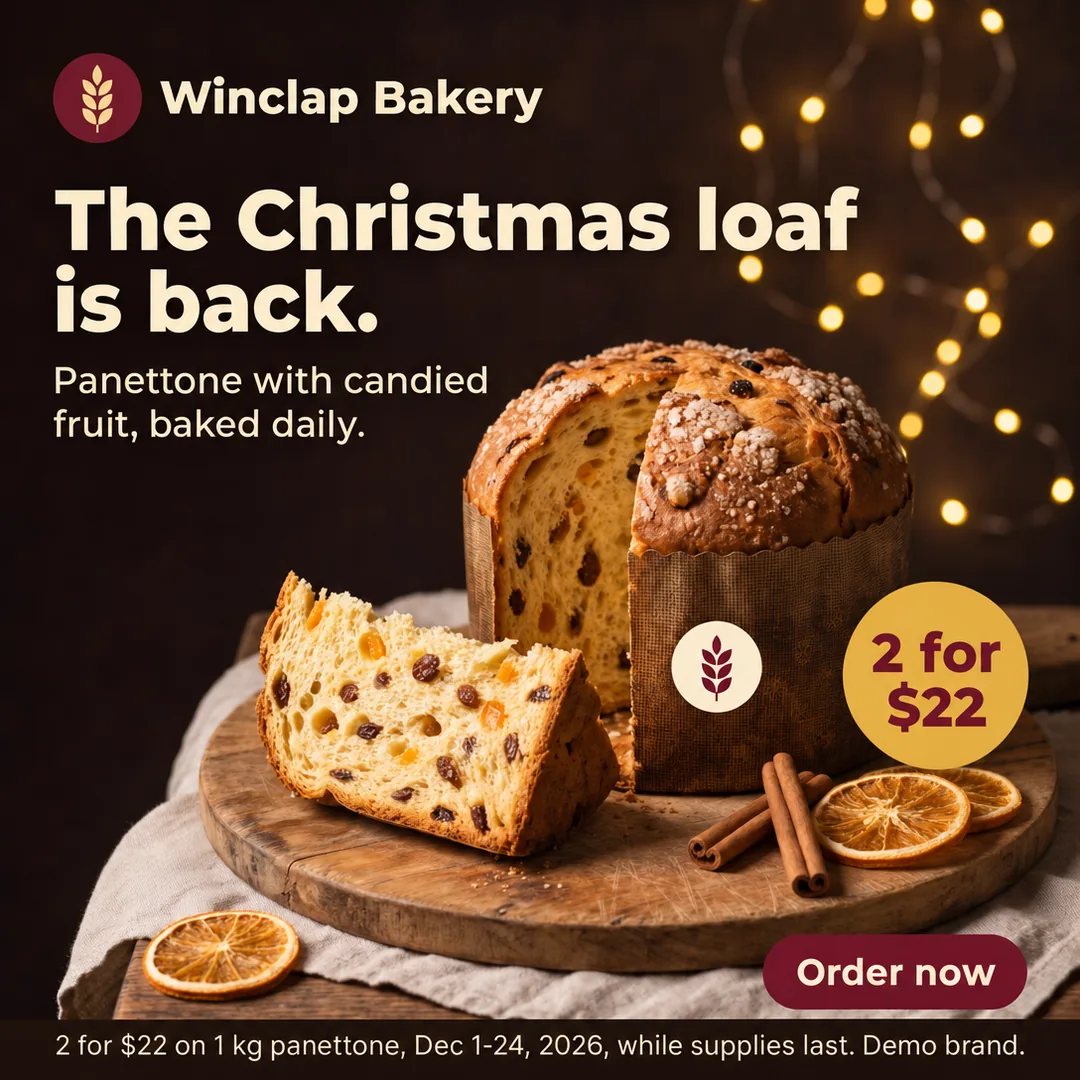 Meta 1:1 · 1080 × 1080
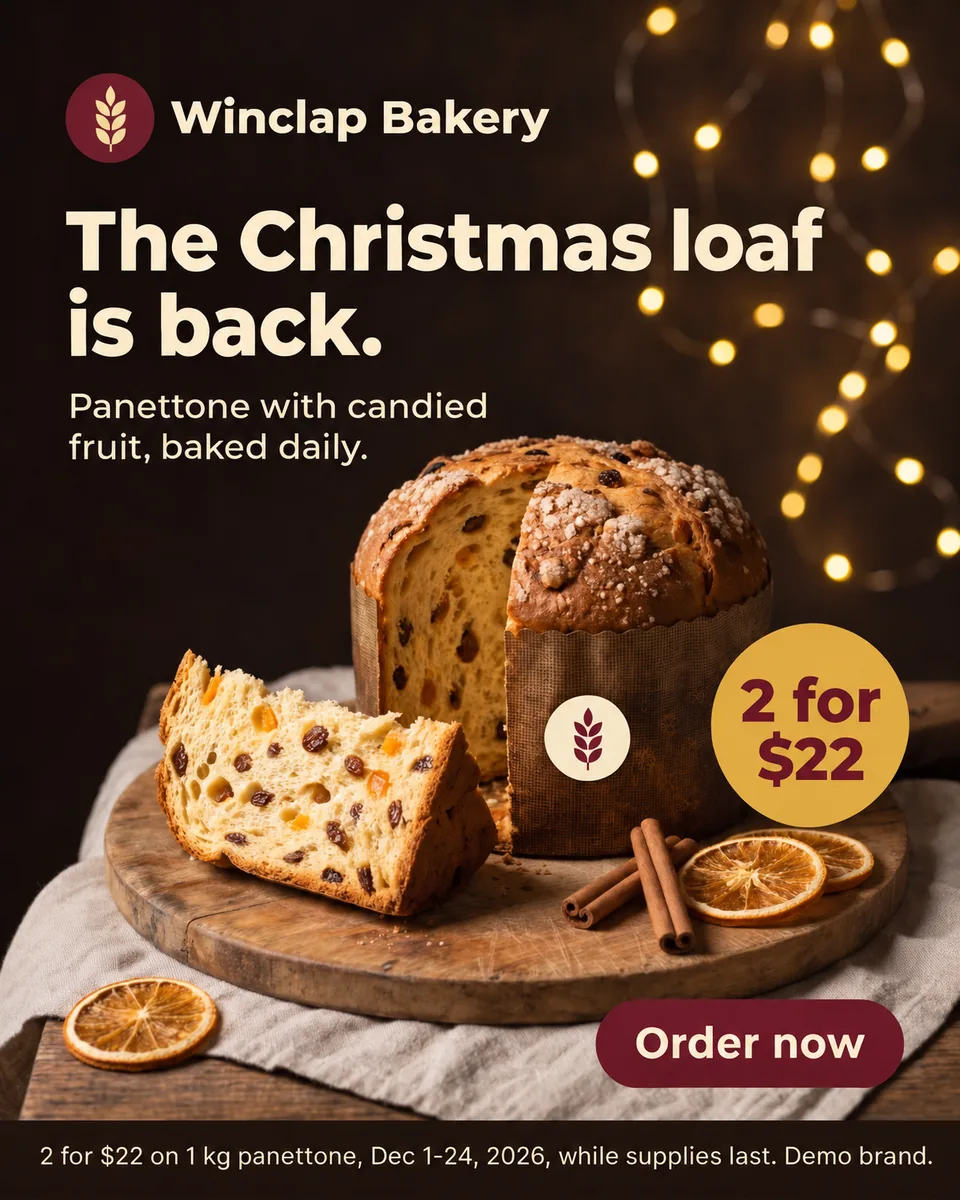 Meta 4:5 · 1200 × 1500
- Meta 9:16 · 1080 × 1920
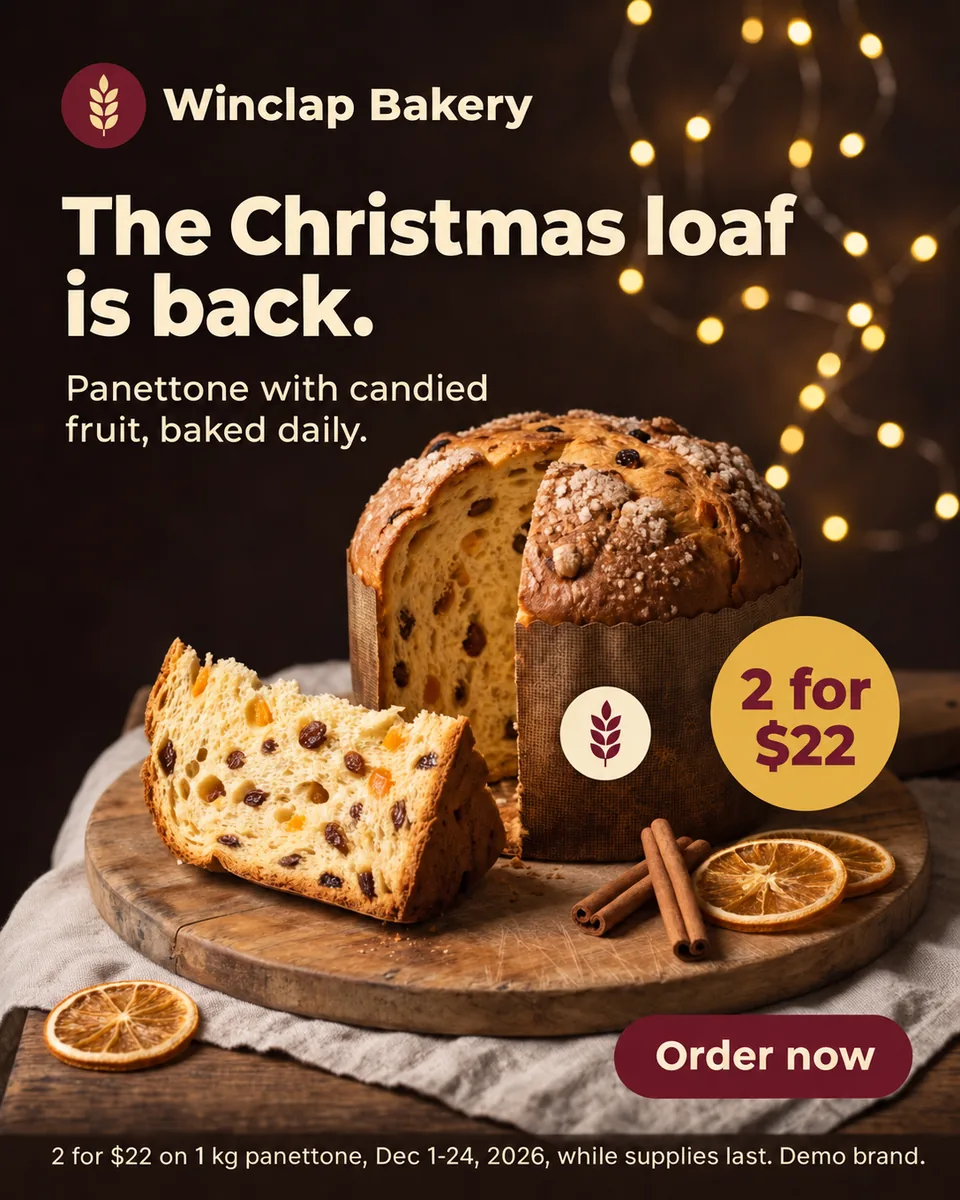 Google 4:5 · 1080 × 1350
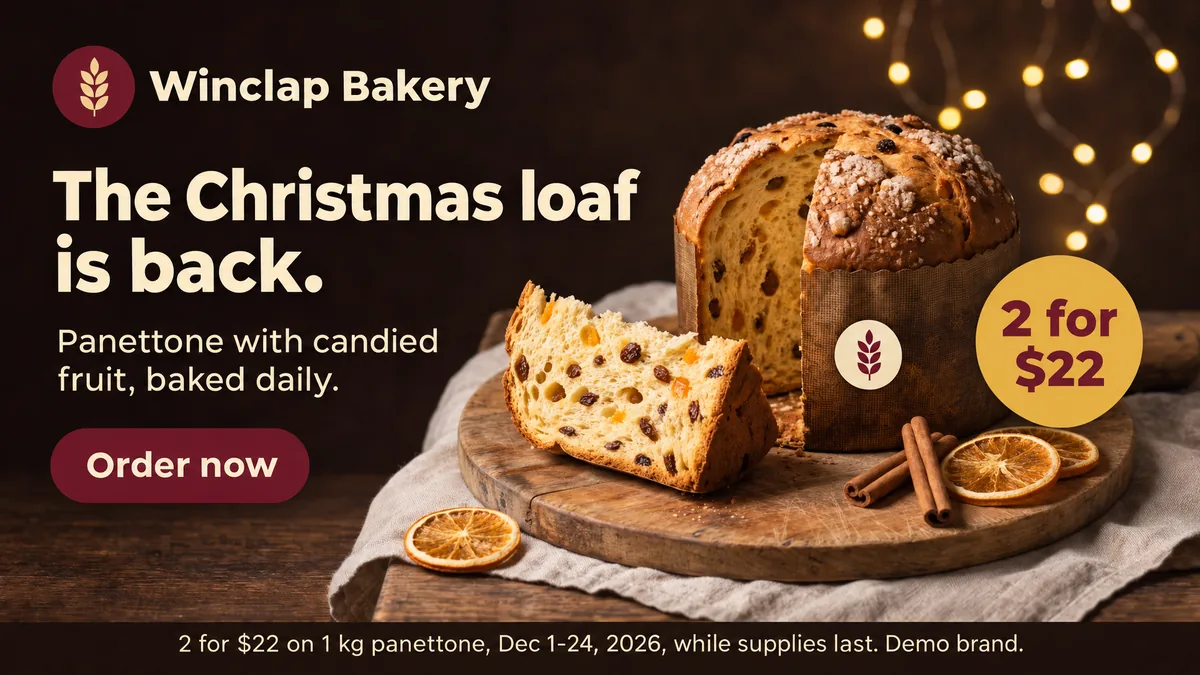 Google 16:9 · 1920 × 1080
- Google 1.91:1 · 1200 × 628 · custom size
- Display 300 × 250 · 300 × 250 · custom size
The brief: one offer, a fixed end date
Winclap Bakery is a demo brand. The key visual is a panettone on a wooden board with warm lights behind it, the headline “The Christmas loaf is back.”, the line “Panettone with candied fruit, baked daily.”, a gold “2 for $22” badge, an “Order now” button and a legal line with the dates. The offer ends on Dec 24, so every size has to go live together.
Presets and custom sizes in the same set
Seven outputs came from presets for Meta and Google. Two did not have one. The 1200 × 628 landscape image and the 300 × 250 display rectangle were made with a custom size from the same key visual. The 300 × 250 is small, so the headline, badge and button are the main elements and the legal line is kept short. Check it at actual size before you upload.
What we left out
We also asked for a TikTok 9:16 and a very wide display strip. The TikTok output did not pass our check against the key visual, so we did not use it. The strip is wider than 4:1, which public pages do not cover, so it is not part of this set. The ten sizes above are the ones that passed, exactly as PixFit delivered them.
A short checklist for a holiday set
Check the dates in the legal line on every output, because an old date on one size is the most common miss. Check the price badge in the smallest size. Check the button text. PixFit is built to keep the logo, offer, button and legal line, and you compare each output with the key visual before publishing.
How PixFit adapts one key visual
- 1
Upload the approved key visual (PNG, JPG or WebP).
- 2
Pick the formats: 14 presets plus any custom size.
- 3
Review each output with the safe-zone overlay, finish any detail with AI fixes and download it ready for paid media.
Frequently asked questions
What a designer spends 2 days on takes PixFit under 3 minutes.
Plans from $49/mo. Start with 5 free credits, no card.
See pricing