Google Ads image sizes 2026 for Demand Gen, Performance Max and Responsive Display
Updated November 2026 · PixFit team
Google's most common image sizes are 1200 × 628 (1.91:1) and 1200 × 1200 (1:1), used in Demand Gen, Performance Max and Responsive Display. Demand Gen and Performance Max also take 4:5 at 960 × 1200, Demand Gen adds 9:16 at 1080 × 1920, and square logos go at 1200 × 1200. Images can weigh up to 5 MB.
Google keeps one help page per campaign type, and they do not always agree. The landscape size all three share, 1200 × 628, is the one that slips through when your templates start from social formats.
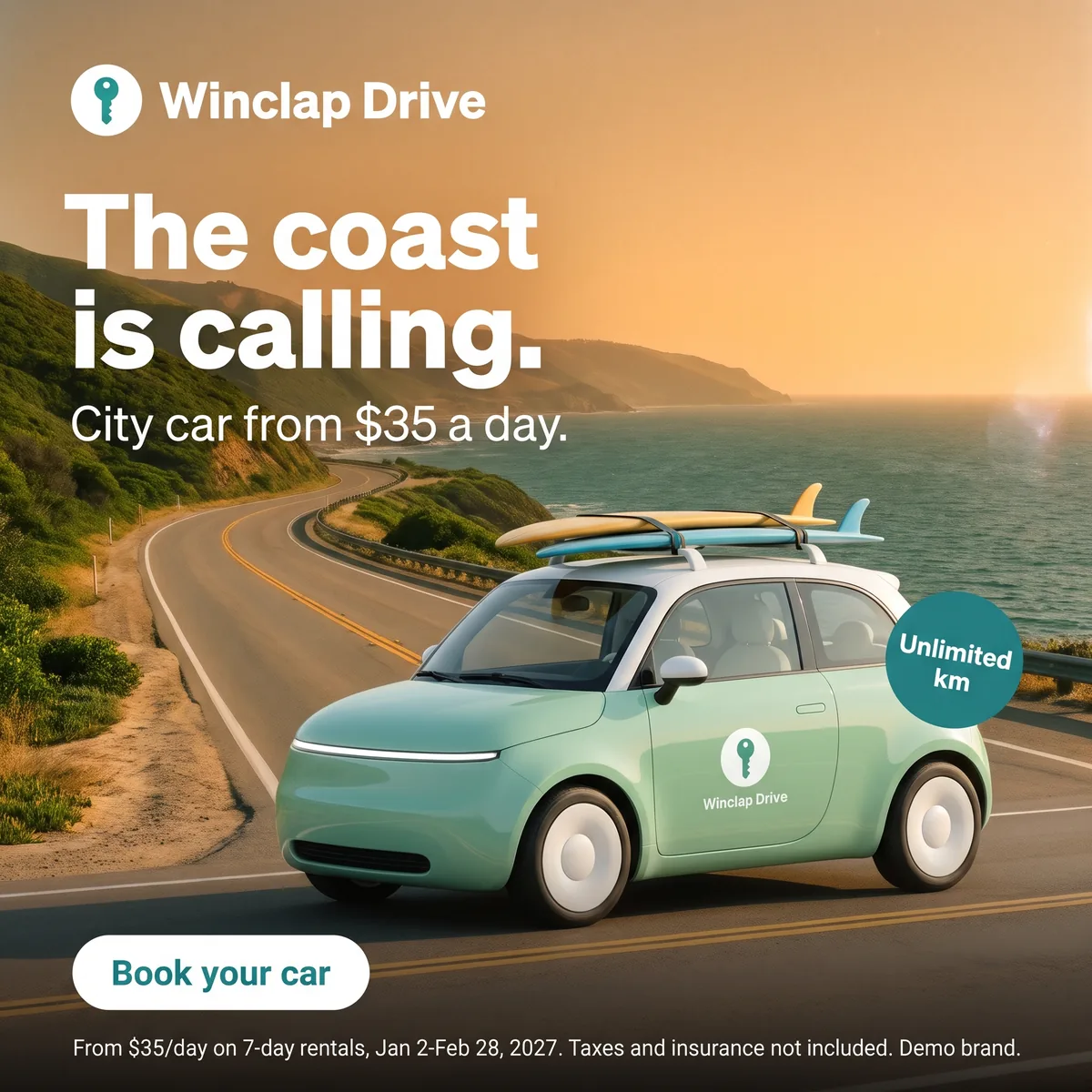 Key visual · 2048 × 2048
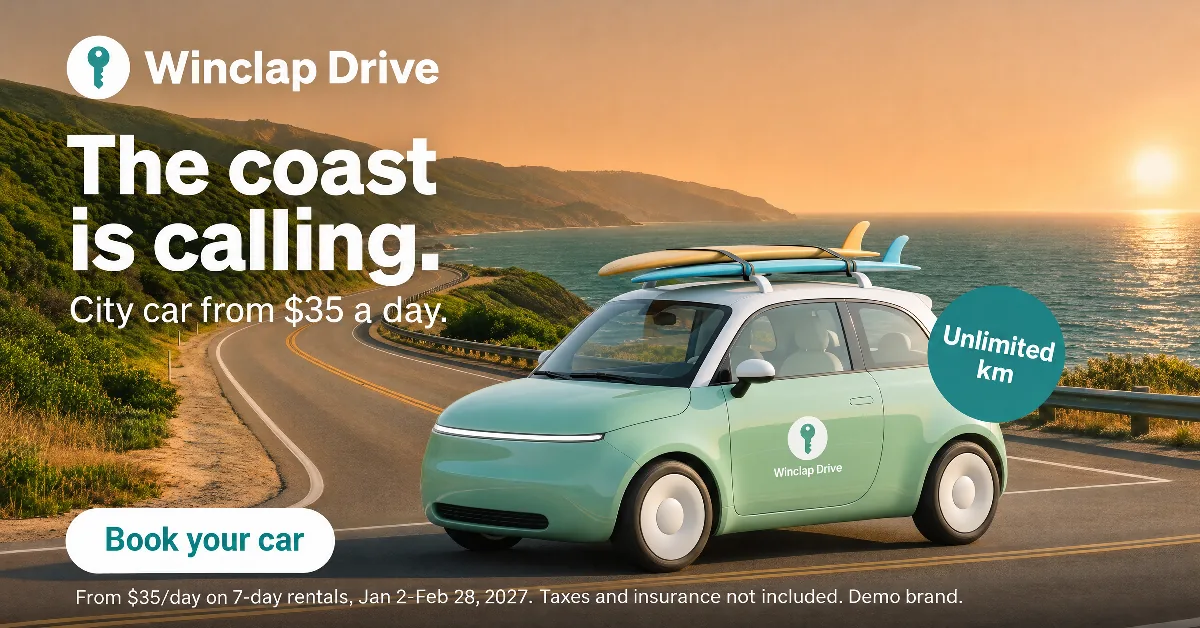 Google 1.91:1 · 1200 × 628 · custom size
 Google 1:1 · 1080 × 1080
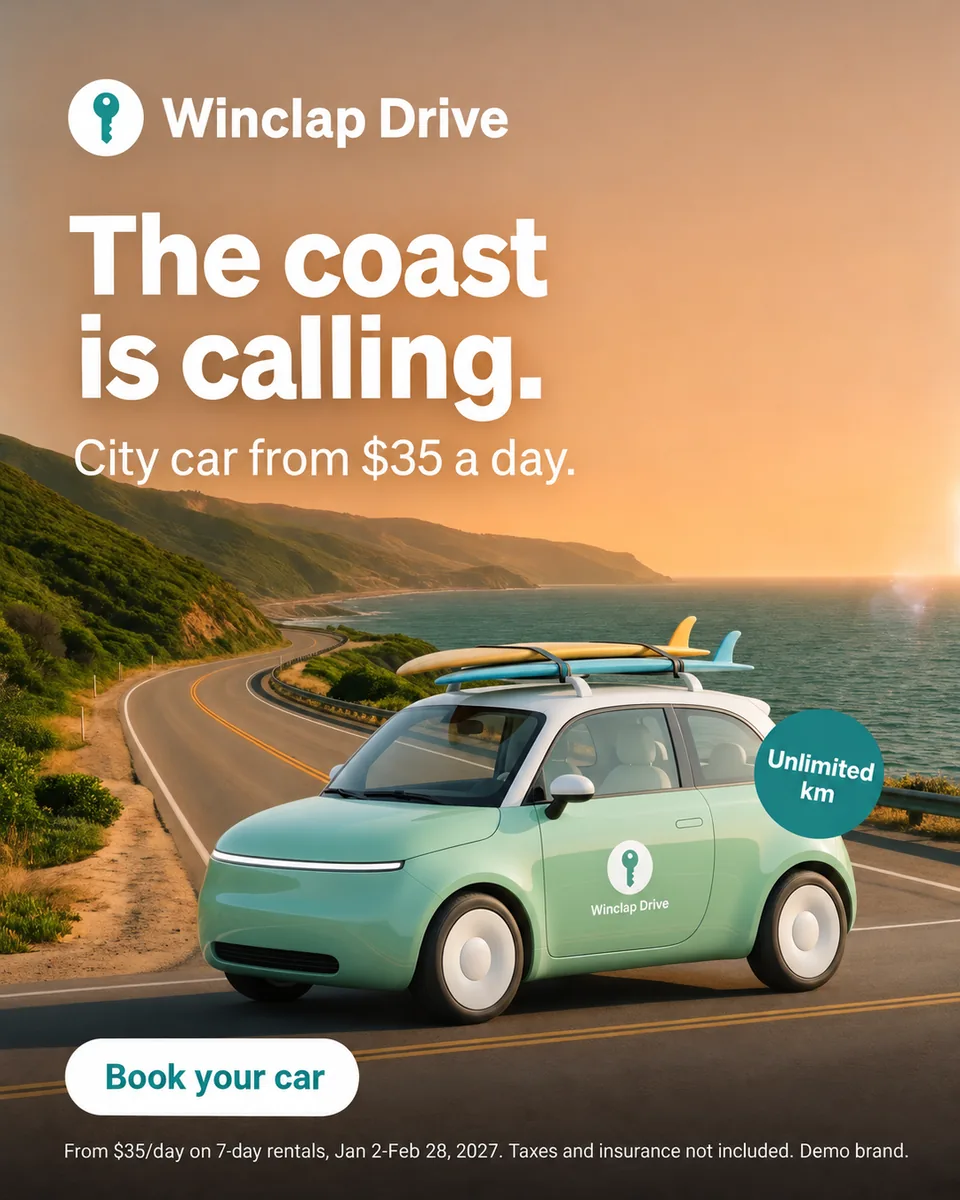 Google 4:5 · 1080 × 1350
 Google 9:16 · 1080 × 1920
 Display 300 × 250 · 300 × 250 · custom size
Google Ads image specs by campaign type (Google Ads Help, read 6 November 2026)
| Image asset | Demand Gen | Performance Max | Responsive Display |
|---|---|---|---|
| Landscape 1.91:1 | 1200 × 628 (min. 600 × 314) | 1200 × 628 (min. 600 × 314) | 1200 × 628 (min. 600 × 314) |
| Square 1:1 | 1200 × 1200 (min. 300 × 300) | 1200 × 1200 (min. 300 × 300) | 1200 × 1200 (min. 300 × 300); the specs page says 600 × 600 |
| Portrait 4:5 | 960 × 1200 (min. 480 × 600) | 960 × 1200 (min. 480 × 600) | Not listed |
| Vertical 9:16 | 1080 × 1920 (min. 600 × 1067), recommended for YouTube Shorts | No 9:16 image (9:16 is video only) | 900 × 1600 (min. 600 × 1067), best-practices page only |
| Logo 1:1 | 1200 × 1200 (min. 128 × 128, or 144 × 144 in the single-image and carousel sections) | 1200 × 1200 (min. 128 × 128) | Not covered in the pages cited |
| Logo 4:1 | Not listed | 1200 × 300 (min. 512 × 128) | Not covered in the pages cited |
| Max file size | 5 MB (logo 150 KB) | 5120 KB | 5120 KB |
| How many | Up to 20 images per ad; Google suggests 3 of each orientation | Up to 20 images and 5 logos | Up to 15 per ratio |
Responsive Display has two official pages that disagree: the specs page recommends 600 × 600 for square images and lists no 9:16, while the best-practices page gives 1200 × 1200 and 900 × 1600. Use 1200 × 1200, which meets both.
Sources
- Google Ads Help: Demand Gen image specs, accessed 2026-11-06
- Google Ads Help: 9:16 images in Demand Gen, accessed 2026-11-06
- Google Ads Help: Performance Max asset specs, accessed 2026-11-06
- Google Ads Help: responsive display ads best practices, accessed 2026-11-06
- Google Ads Help: responsive display ad specs, accessed 2026-11-06
- Google Ads Help: Google Ads image sizes, accessed 2026-11-06
- Google Ads Help: video ad safe zones, accessed 2026-11-06
- Google Ads Help: uploaded display ads specifications, accessed 2026-11-06
Display is moving to Demand Gen in 2026
A notice on Google's responsive display help page says it plainly: “Google Display Ads campaigns are moving to Demand Gen.” Since June 2026, eligible advertisers can move existing campaigns voluntarily, and later on new campaigns can only be created within Demand Gen. So build the Demand Gen set first: its four ratios (1.91:1, 1:1, 4:5 and 9:16) already include the three Responsive Display uses.
Vertical images and the YouTube safe zone
Demand Gen recommends 9:16 images at 1080 × 1920 for YouTube Shorts and says their safe zone is similar to that of 9:16 videos. Google's vertical video template, labeled 1080 × 1920, keeps 288 px at the top, 672 px at the bottom, 48 px on the left and 192 px on the right, which leaves an 840 × 960 px area for text and logos. Performance Max has no 9:16 image: vertical there means a video of 10 seconds or more.
16:9 is a video ratio at Google
None of the three image spec pages lists 16:9. Google uses it for video, with 1920 × 1080 recommended and 1280 × 720 as the minimum, next to 9:16 at 1080 × 1920 (minimum 720 × 1280) and 1:1 at 1080 × 1080 (minimum 480 × 480). For a landscape image asset, the ratio is 1.91:1.
Uploaded display banners, up to 4:1
If you upload finished banners instead of image assets, Google's uploaded display specs apply. This page covers three of them, all within 4:1, with a 150 KB file limit, far below the 5 MB allowed for image assets.
- 300 × 250, inline rectangle (1.2:1).
- 300 × 600, half-page ad (1:2).
- 970 × 250, billboard (3.88:1). It is in Google's general list, but not among the sizes Demand Gen recommends for uploaded display ads.
- 1200 × 628 is not a banner: it is the landscape image asset in the table above.
What PixFit delivers for Google
PixFit's Google presets are 1:1 at 1080 × 1080, 4:5 at 1080 × 1350, 9:16 at 1080 × 1920 and 16:9 at 1920 × 1080. There is no 1.91:1 preset, so 1200 × 628 is made as a custom size, as are Google's recommended 1200 × 1200 square and the banners above. The 16:9 preset is not an image asset in these campaigns, because at Google that ratio belongs to video. Every output is a flat PNG at the exact size, and a photographic 300 × 600 or 970 × 250 can go over 150 KB: compress it before uploading. Since Iterate works with ratios from 1:3 to 3:1, build the versions of the key visual first and resize to 970 × 250 last. Each piece comes with a safe-zone overlay, and any detail that lands wrong gets a final touch inside PixFit with AI fixes.
How PixFit adapts one key visual
- 1
Upload the approved key visual (PNG, JPG or WebP).
- 2
Pick the formats: 14 presets plus any custom size.
- 3
Review each output with the safe-zone overlay, finish any detail with AI fixes and download it ready for paid media.
Frequently asked questions
What a designer spends 2 days on takes PixFit under 3 minutes.
Plans from $49/mo. Start with 5 free credits, no card.
See pricing