How to make multiple ad sizes without a designer
Updated November 2026 · PixFit team
Have a designer approve one key visual, then let a tool built for ad adaptation produce the sizes. Upload it to PixFit, pick the placements from 14 presets plus any custom size, and check each output side by side with the original. What a designer spends 2 days on takes PixFit under 3 minutes.
The key visual was approved on Thursday. By Monday the media plan needs it in every Feed, Story, Reel and Google size, in three markets, and the one designer who could do it is already on the next campaign. Hours of design go into pieces that add nothing new.
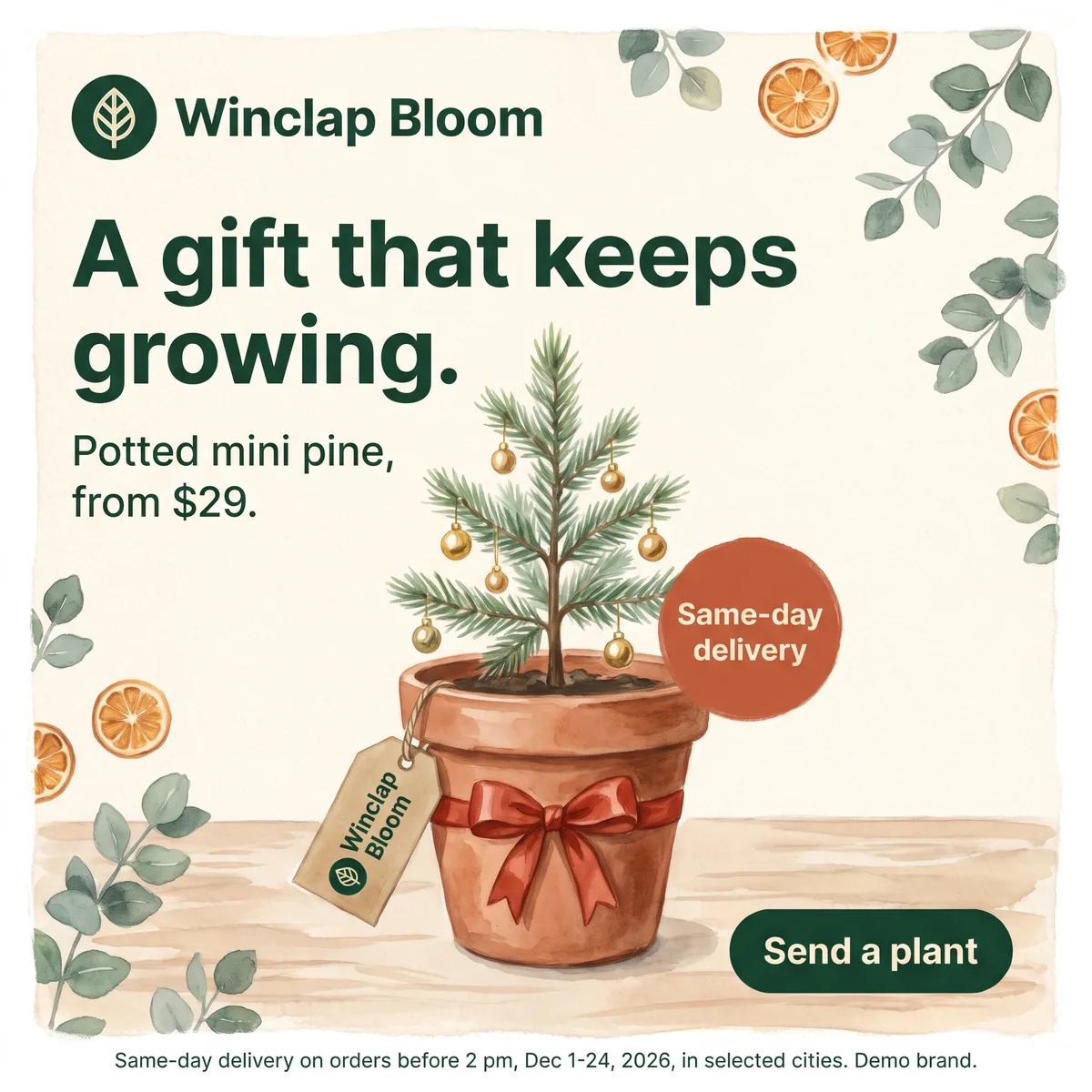 Key visual · 2048 × 2048
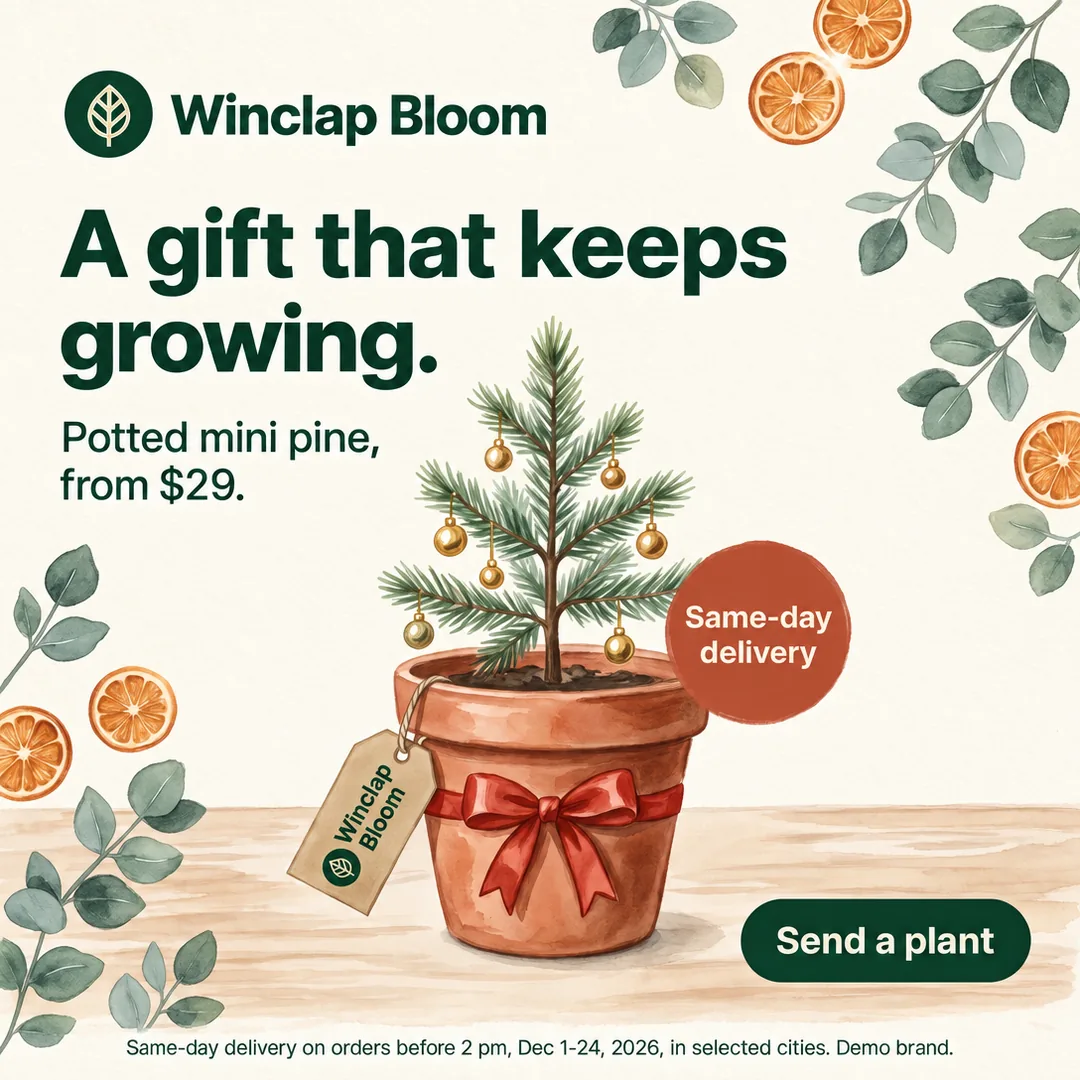 Meta 1:1 · 1080 × 1080
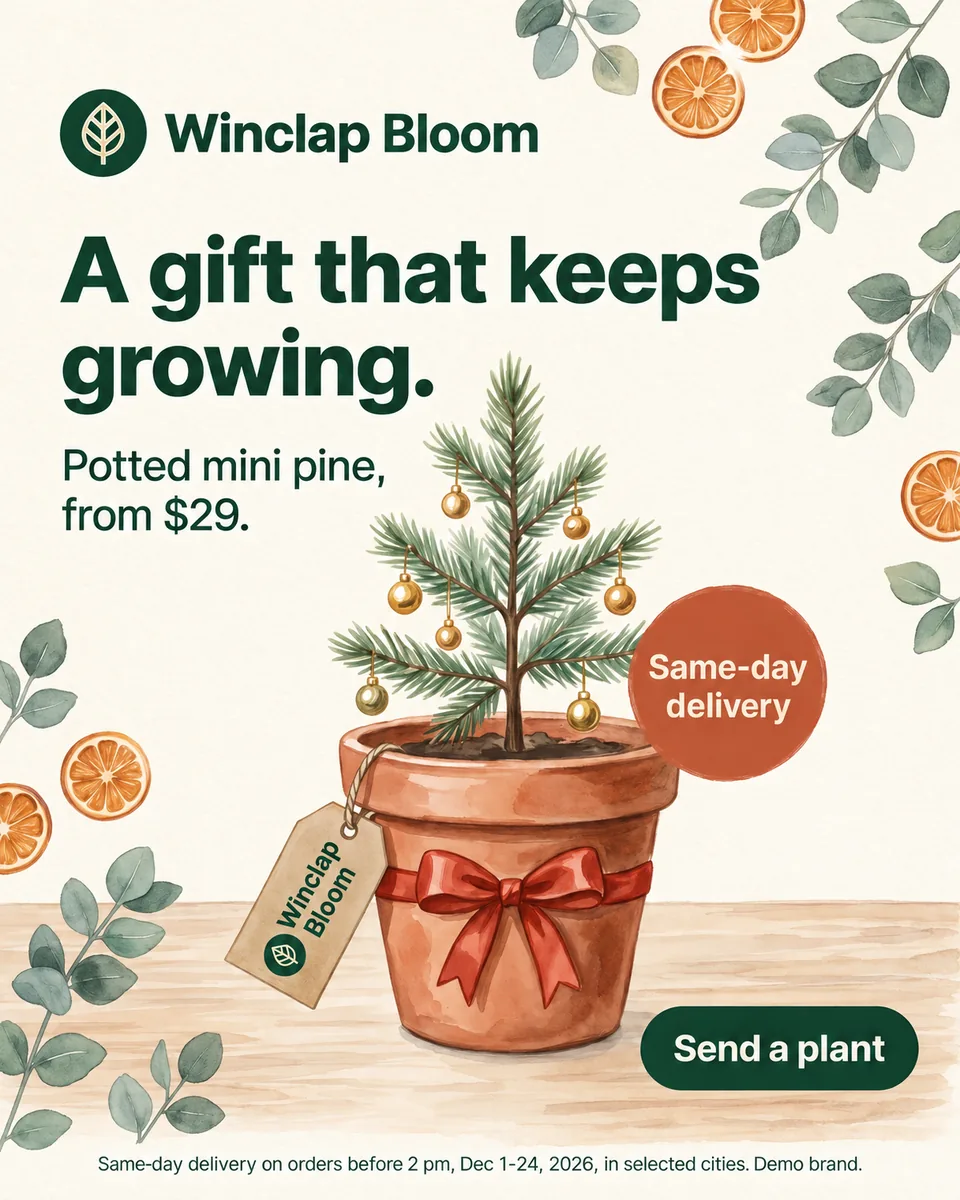 Meta 4:5 · 1200 × 1500
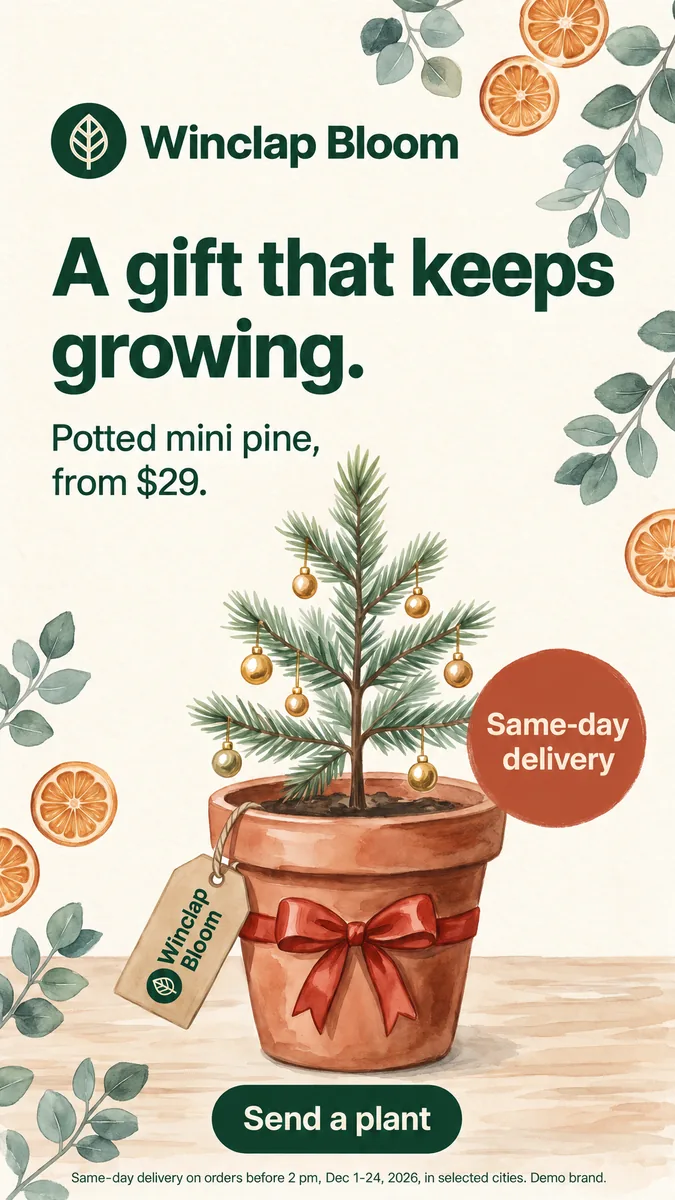 Meta 9:16 · 1080 × 1920
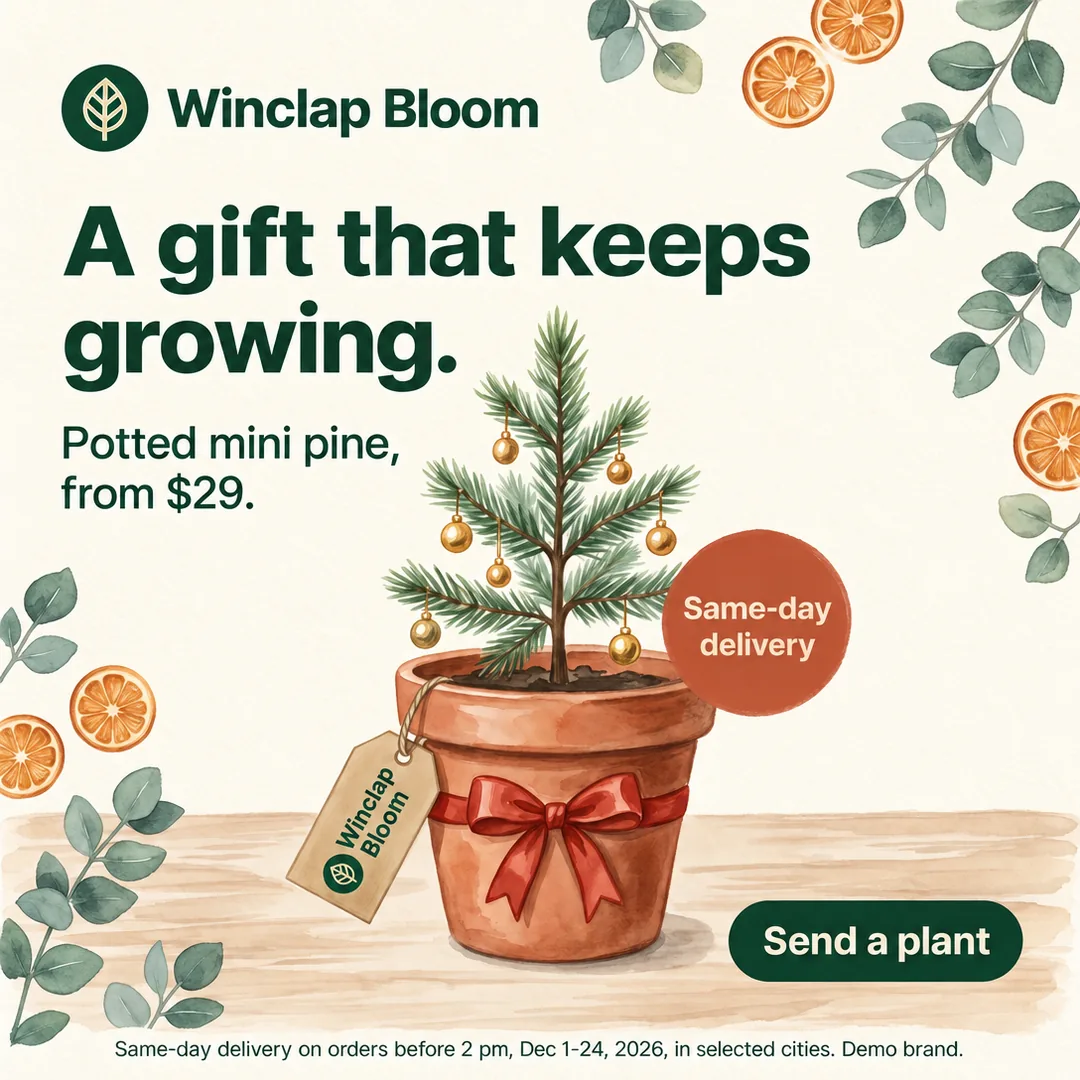 Google 1:1 · 1080 × 1080
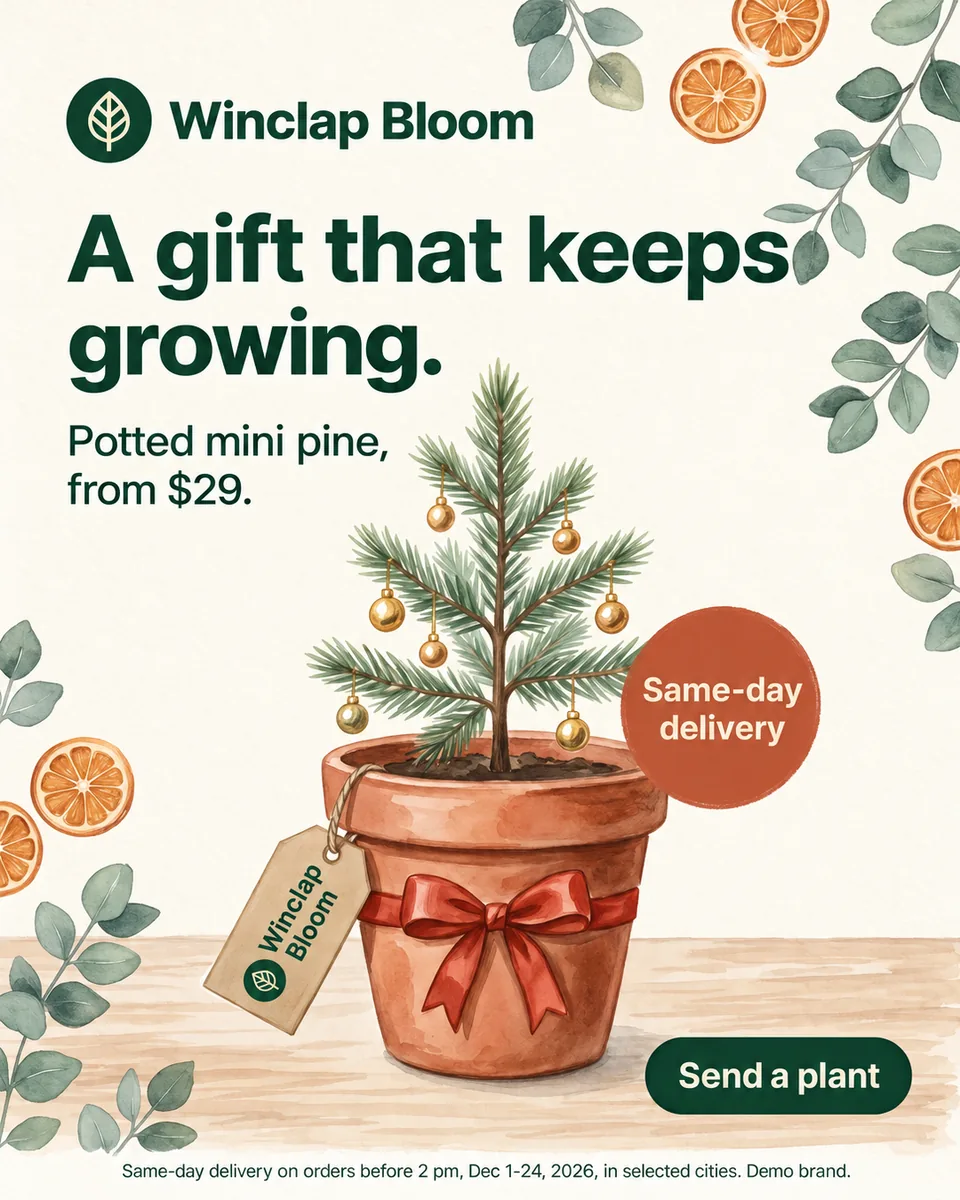 Google 4:5 · 1080 × 1350
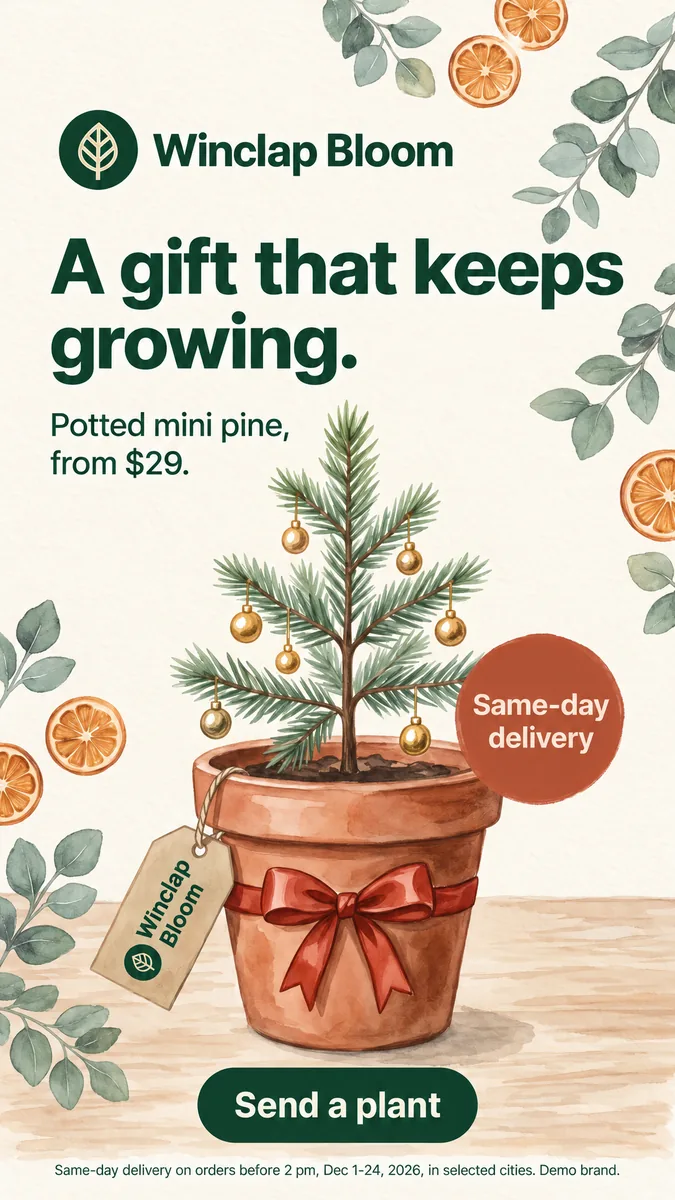 Google 9:16 · 1080 × 1920
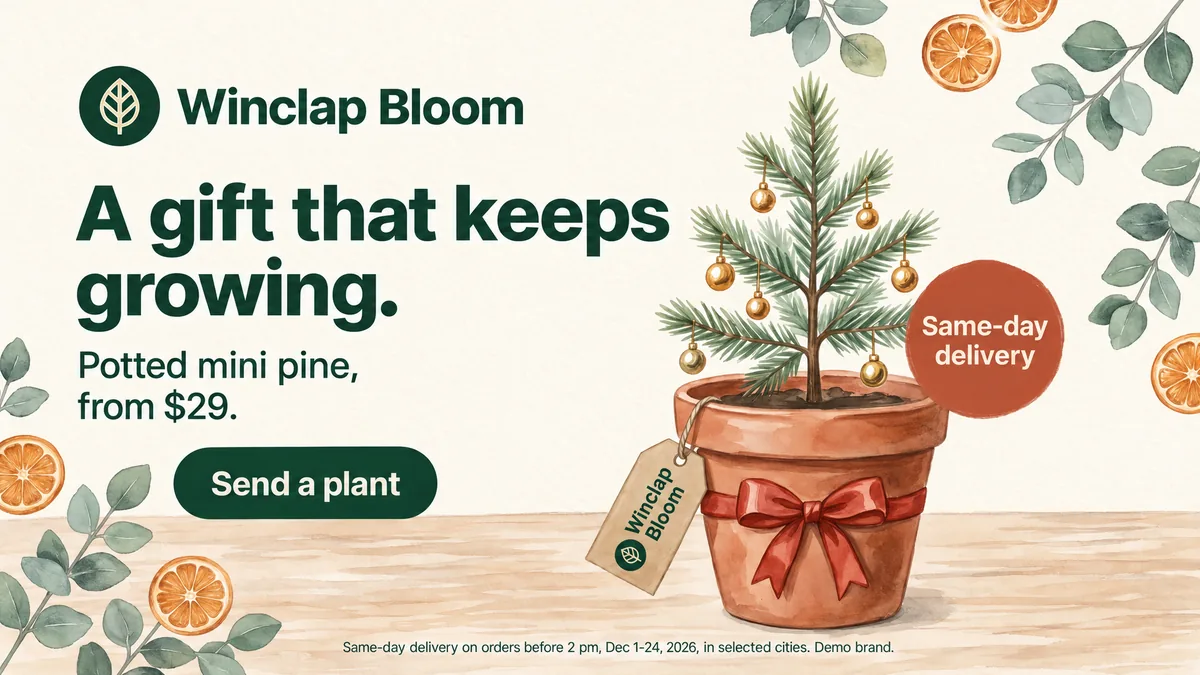 Google 16:9 · 1920 × 1080
 TikTok 9:16 · 1080 × 1920
How many pieces one key visual becomes in a single market (official sizes, November 2026)
| Piece | Official size | Pieces |
|---|---|---|
| Meta Feed, 4:5 | 1440 × 1800 | 1 |
| Meta Stories and Reels, 9:16 | 1440 × 2560 | 1 |
| Google Demand Gen, 1.91:1 | 1200 × 628 | 3 |
| Google Demand Gen, 1:1 | 1200 × 1200 | 3 |
| Google Demand Gen, 4:5 | 960 × 1200 | 3 |
| Google Demand Gen, 9:16 | 1080 × 1920 | 3 |
| One market | 14 | |
| Three markets | 42 |
Google's counts follow its Demand Gen advice to upload 3 images of each aspect orientation; Meta's assume one image per placement. Sizes read on 6 November 2026.
Sources
- Meta Ads Guide: Facebook Feed image, accessed 2026-11-06
- Meta Ads Guide: Instagram Stories image, accessed 2026-11-06
- Google Ads Help: Demand Gen image specs, accessed 2026-11-06
What 'without a designer' should mean
The designer still makes the key visual: the idea, the hierarchy, the brand. What should leave their desk is the repetitive part, rebuilding the same approved piece in every ratio and every market. PixFit takes that part, so the design team spends the week on the next campaign instead of on the fortieth resize.
Why a free image resizer is not enough for ads
Image resizers scale or crop the file. An ad also has an interface on top: Meta asks you to keep about 14% of the top and 35% of the bottom of a Story free of text and logos. Scale a square into that frame and the logo or the CTA lands under the interface; crop it and the price goes. Ads need the layout recomposed, not the pixels stretched.
Three routes, and what each one leaves to you
- A generic image resizer: fast, and every piece needs a manual check for cut logos and text under the interface.
- Resizing inside a design tool: Canva's Magic Resize handles up to 5 new sizes per design at a time, and Figma's help says Buzz designs may still require manual adjustments when the ratio changes a lot.
- An ad adaptation tool: PixFit starts from the approved key visual, recomposes each size for its placement, shows a safe-zone overlay on every output and leaves the details to a final touch with AI fixes.
A review anyone on the team can run
- Offer, price and legal line match the key visual word for word.
- Headline and CTA sit outside the zones the safe-zone overlay marks.
- The logo keeps its clear space and stays away from buttons and profile bars.
- Each file is under the platform's limit: 30 MB on Meta, 5 MB per image on Google.
- File names say placement and market, so whoever uploads the campaign picks the right piece.
From two days of resizing to under three minutes
What a designer spends 2 days on takes PixFit under 3 minutes. Each output costs 1 credit: a 14-piece market fits in Core, at US$49 a month for 25 credits, and three markets fit in Scale, at US$299 a month for 75. You can try it with 5 free credits, no card required.
- Get the key visual approved and export it as PNG, JPG or WebP.
- Upload it to PixFit and select the presets for every placement, plus any custom size the media plan needs.
- Check each output with the safe-zone overlay, fix details with AI fixes and download the full set.
How PixFit adapts one key visual
- 1
Upload the approved key visual (PNG, JPG or WebP).
- 2
Pick the formats: 14 presets plus any custom size.
- 3
Review each output with the safe-zone overlay, finish any detail with AI fixes and download it ready for paid media.
Frequently asked questions
What a designer spends 2 days on takes PixFit under 3 minutes.
Plans from $49/mo. Start with 5 free credits, no card.
See pricing