Your key visuals. Now in motion.
Turn approved statics into a video ad. You write the brief, review the storyboard and every keyframe, and PixFit animates it.
Available to teams through a guided onboarding.
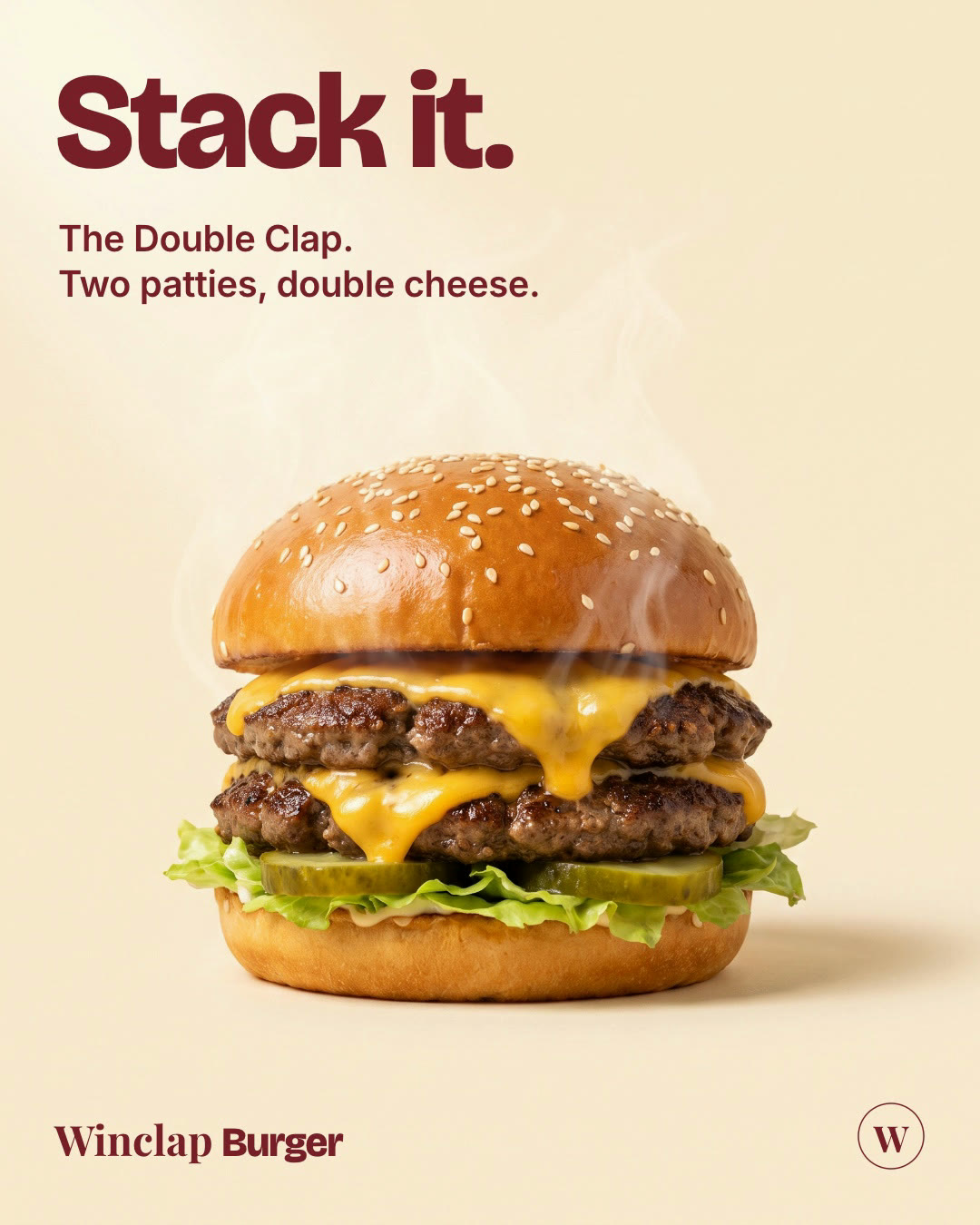
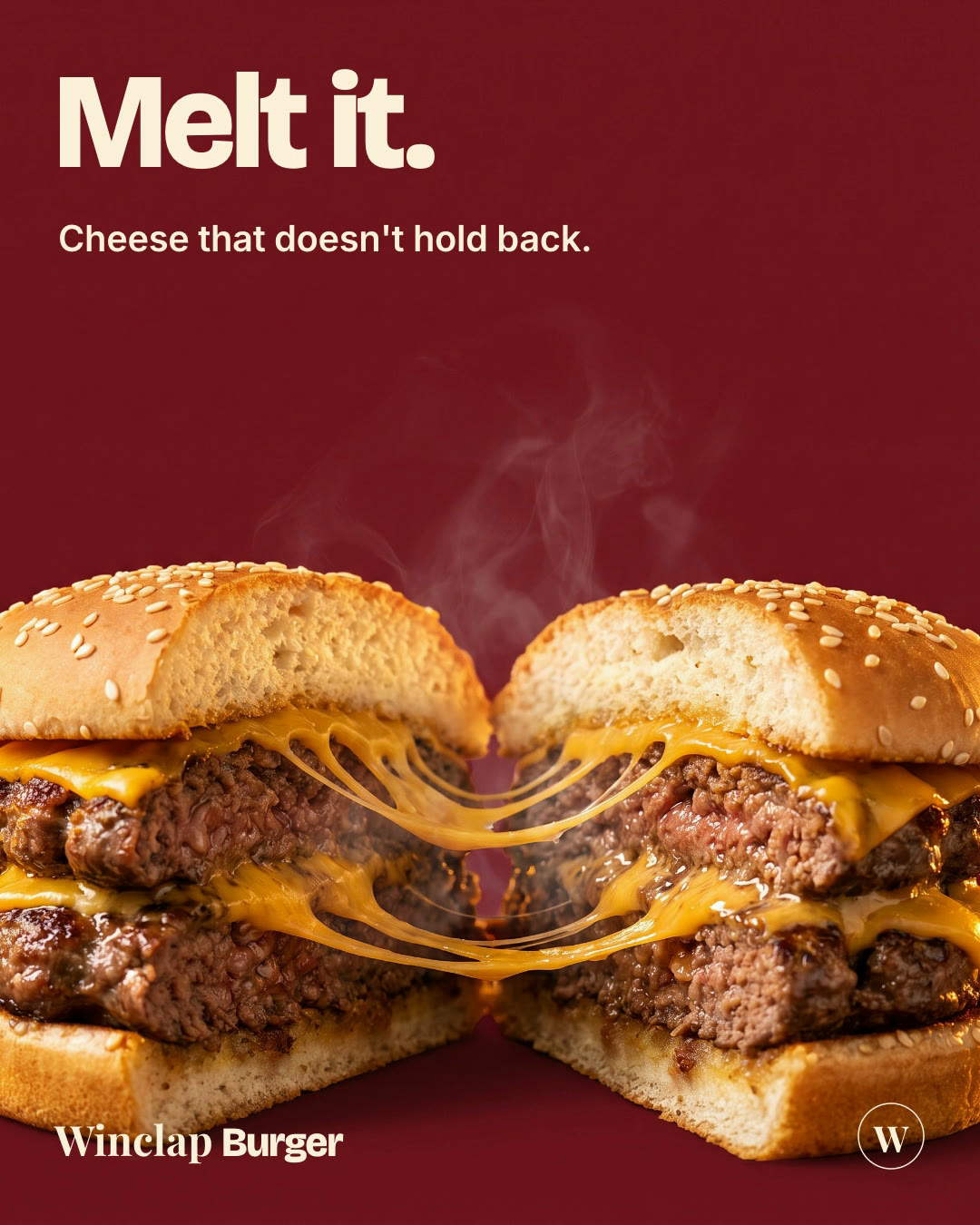
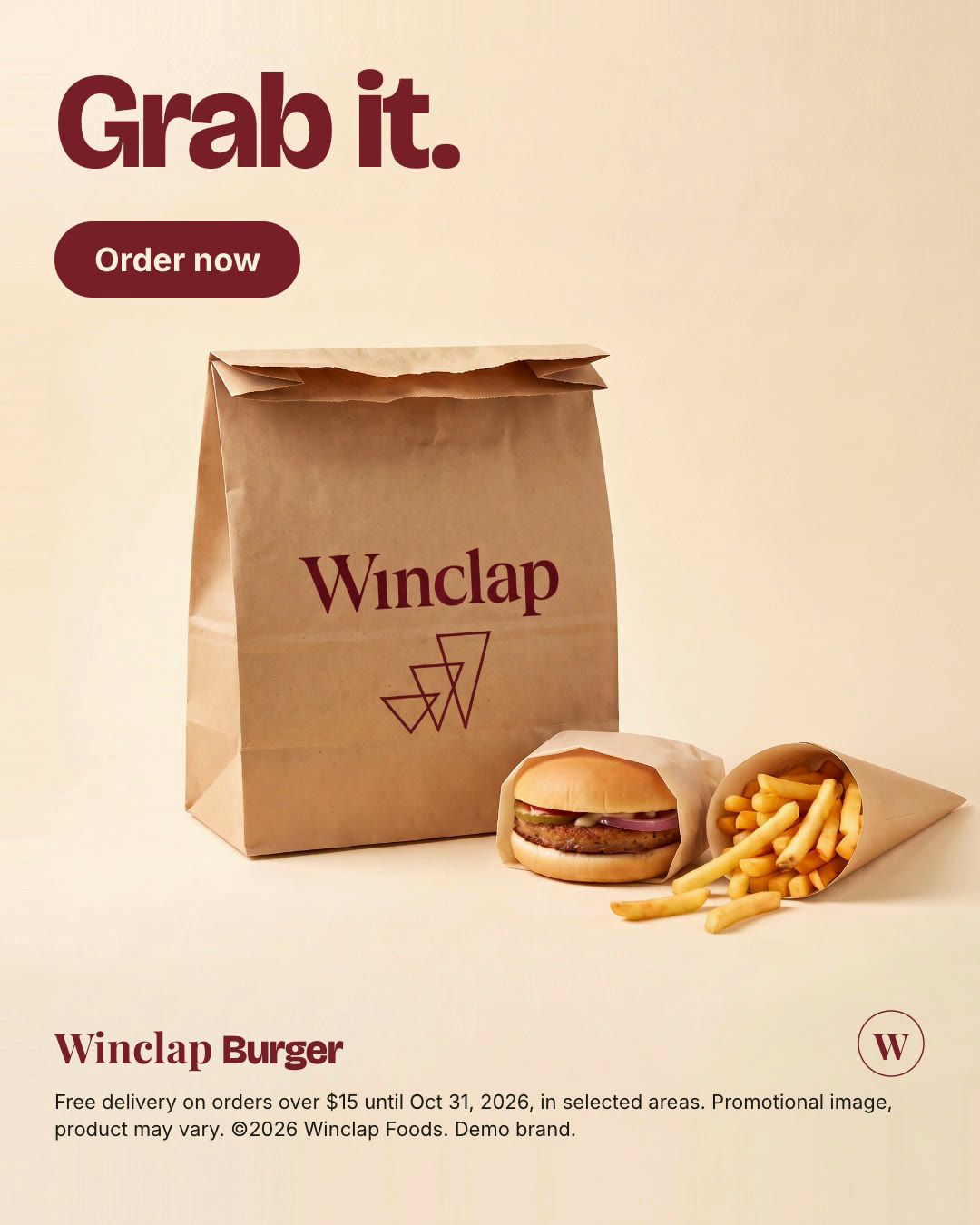
Four steps. You approve each one.
- 01
Creative & format
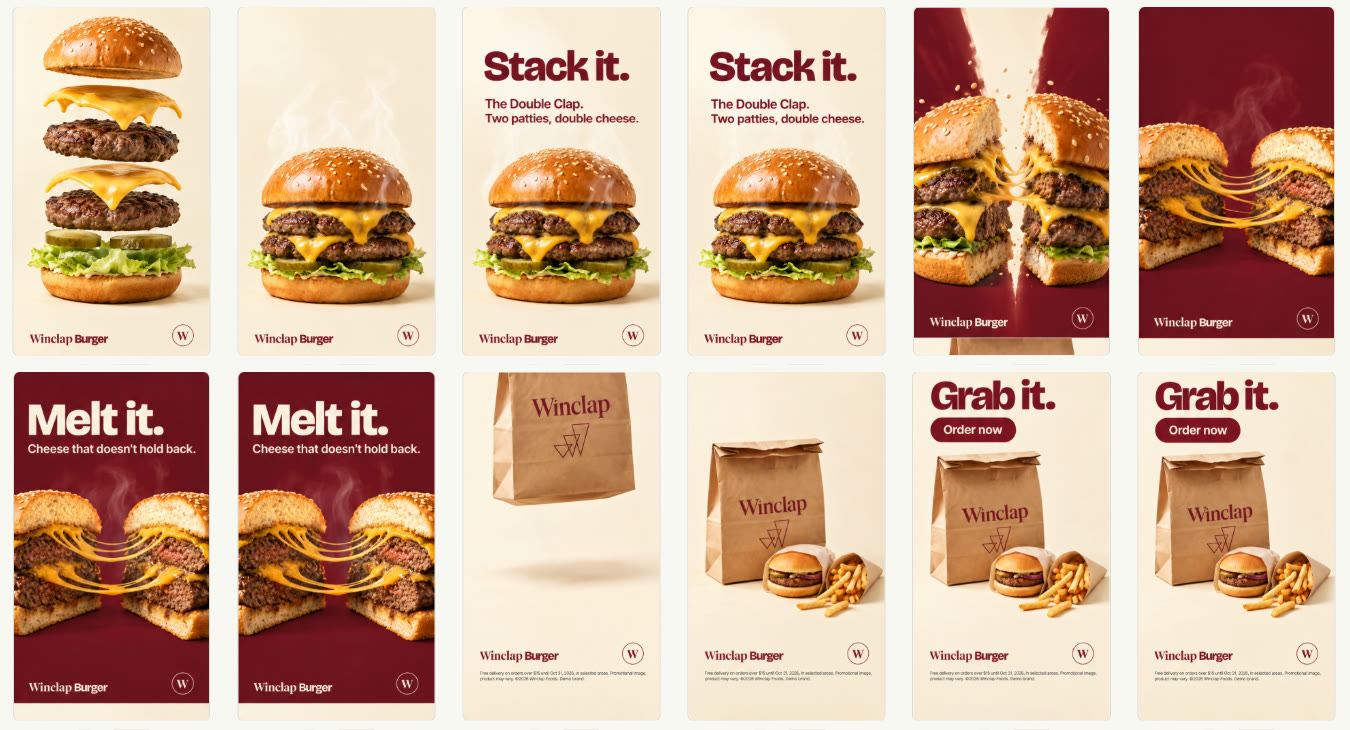
Up to 6 approved statics, one per scene. Add a brief of up to 4,000 characters, a link or a file. Choose Fast or Quality, the length and the output formats.
3 statics in - 02
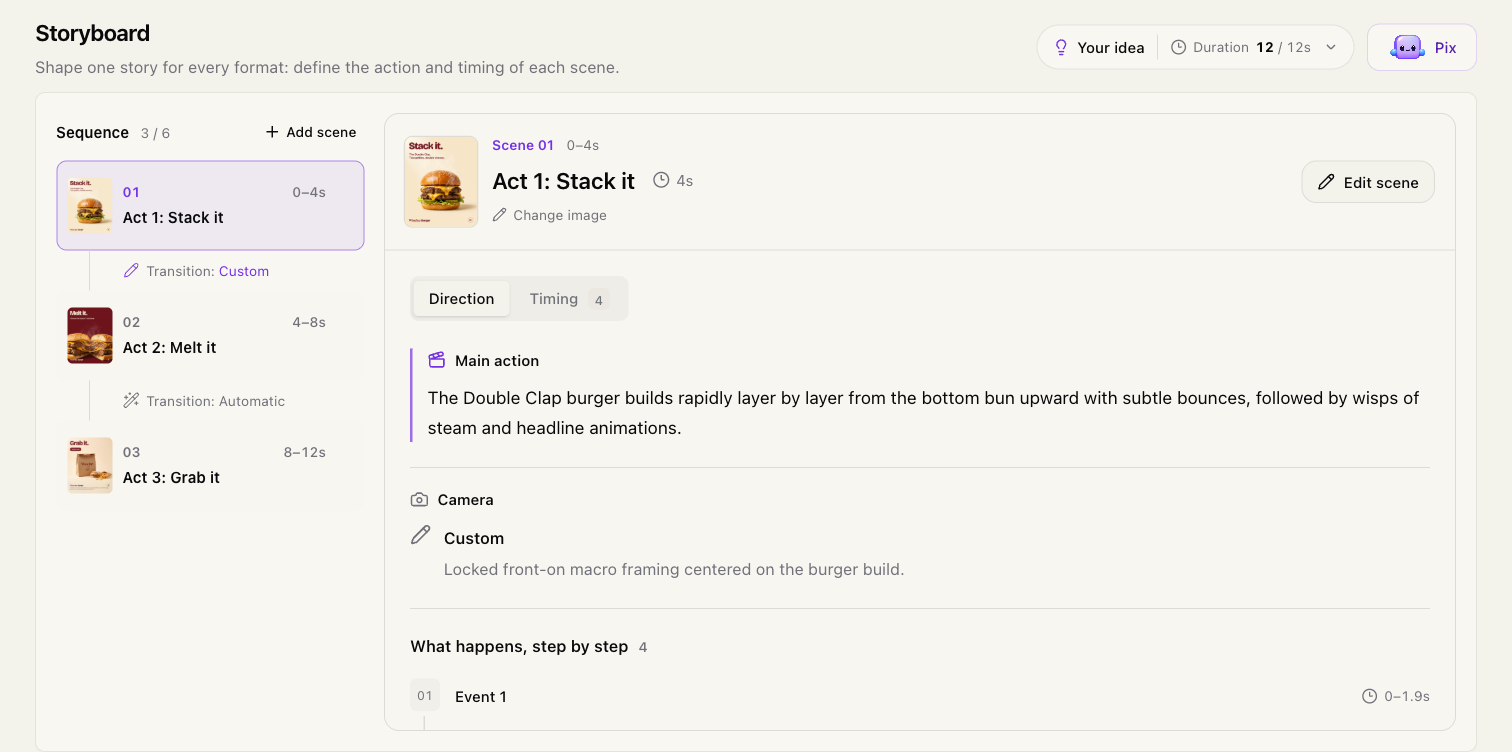
Storyboard
PixFit turns your brief into scenes with the main action, camera and timed events. Edit any scene before moving on.
- 03
Scenes
Review every keyframe on a timeline and approve it before anything renders.
- 04
Video
PixFit animates between your keyframes. A 10-second video renders in about 4.5 minutes. Ask for a change at the exact second you want.
Real run: 3 statics in, a 12-second video out. Demo brand.
You direct, PixFit animates.
Built on your approved statics, so the brand stays yours.
Every step is editable before you spend on a render.
Pix, the creative assistant, helps at every step.
Two modes.
Fast
Dynamic movement and creative transitions
Quality
High-quality product scenes with natural movement
Outputs in 9:16, 1:1 and 16:9. Optional audio.
Asset Animation, answered.
Put your key visuals in motion.
See Asset Animation on your own statics in a guided demo.