GOOGLE
One key visual. Every Google Ads placement.
Upload any key visual. PixFit reframes it into Google's core Display and Demand Gen formats.

Reading the layout…0/4
Placements
Every placement, safe zones included.
Toggle the safe zones to see the areas PixFit keeps clear of Google's Display and Demand Gen UI on every output.Curve
Google 1:1
The Display & Demand Gen workhorse
Slots into the Display Network and Demand Gen feeds.
Google 16:9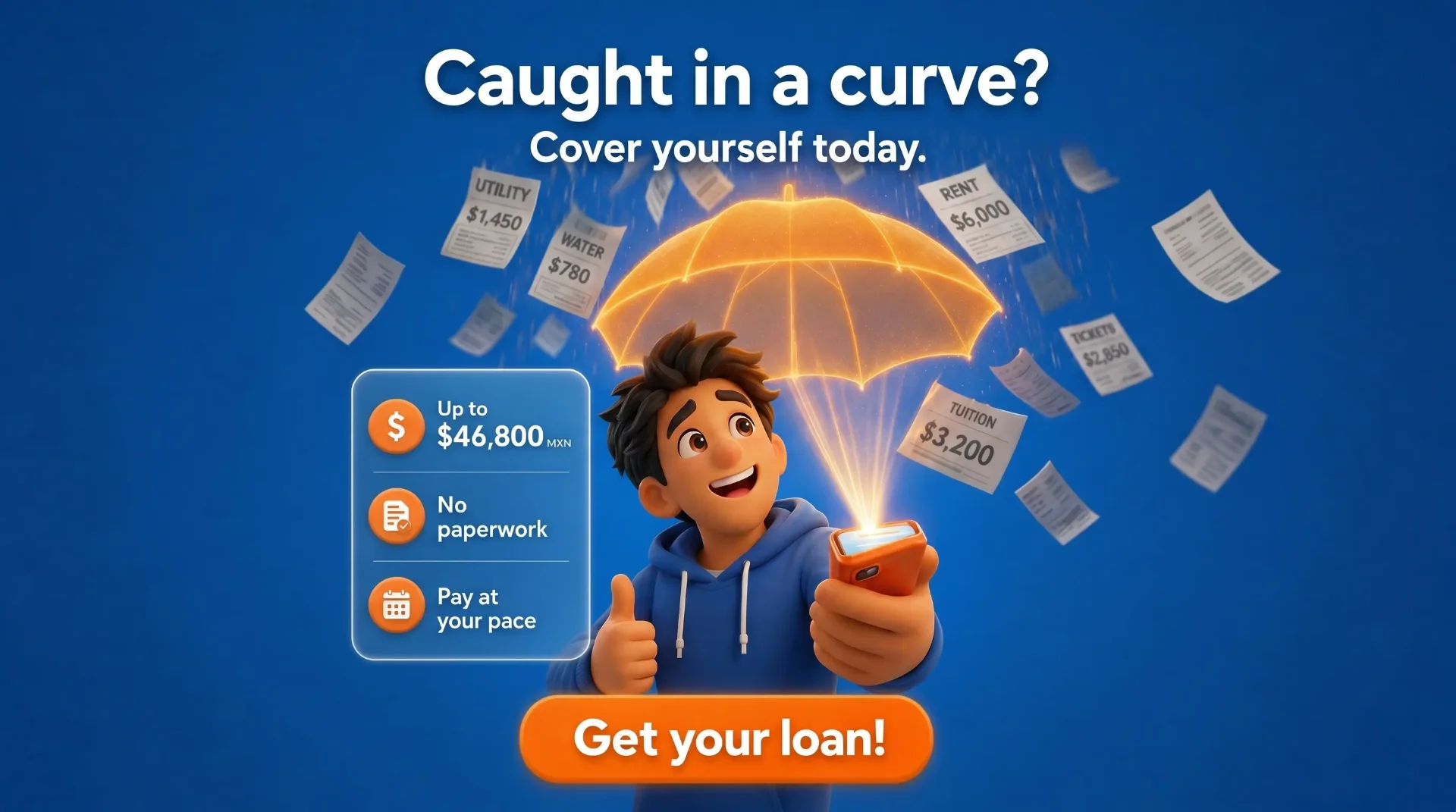
Landscape display standard
Fits YouTube masthead, Display Network banners and Demand Gen placements.
Google 4:5
Native to Discover & Gmail feeds
The vertical Demand Gen format.
Google 9:16
Optimized for YouTube Shorts
Full-screen vertical video placement.
Specs
Formats PixFit outputs for Google
Every Google Ads size PixFit adapts from one key visual, from Responsive Display to YouTube Shorts.
Solutions
More than Google sizes. Every version, and video too.

Resize
Display, Demand Gen, Discover and YouTube sizes from one key visual.
- Re-composed per ratio, not cropped or stretched.
- Custom sizes when a placement needs them.

Iterate
One key visual for every offer and market in your campaigns.
- New price, promo or CTA in the same layout.
- One credit per version.
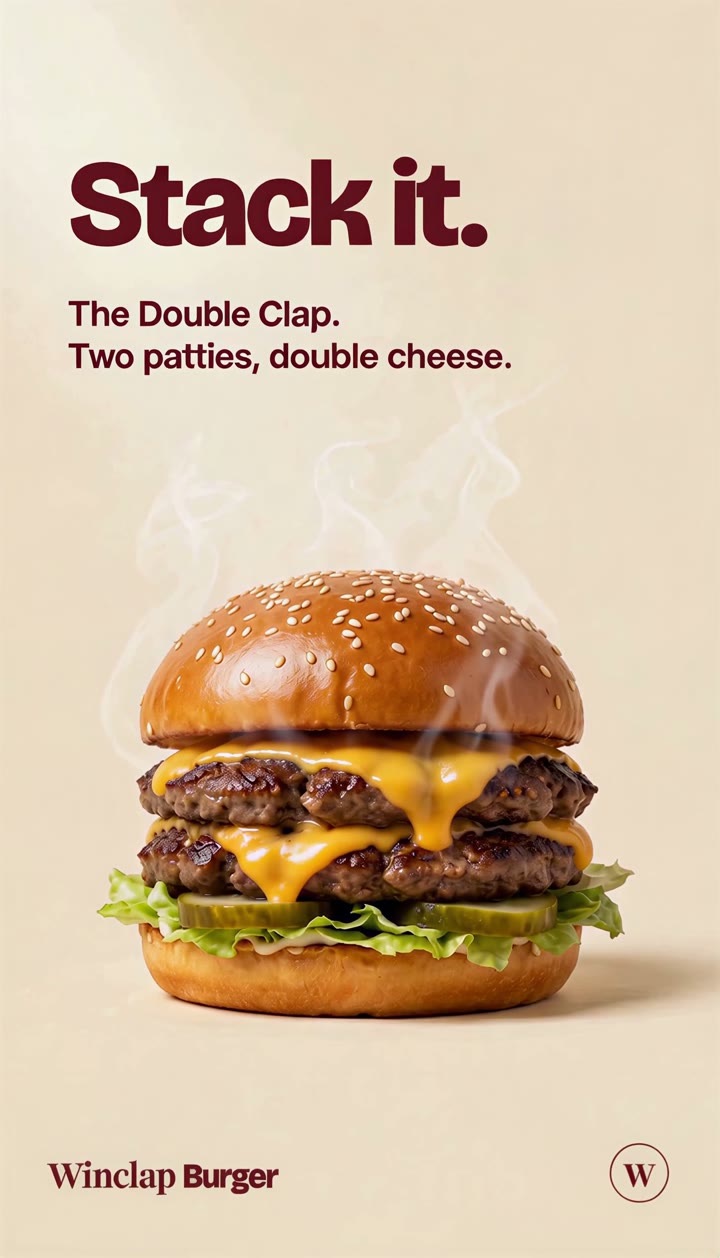
Asset AnimationNew
Video for YouTube and Shorts from your approved statics.
- 16:9 and 9:16 outputs.
- A 10-second video renders in about 4.5 minutes once keyframes are approved.
FAQ
Google Ads sizing, questions we hear
Keep exploring
See it on other platforms
PixFit isn't Google-only. Explore the resize flow on the other paid channels or on the landing page for your team.
One key visual. Every Google size.
Bring a key visual and see the full Google set in minutes.