One key visual. TikTok-ready in seconds.
Upload any key visual. PixFit reframes it into TikTok's 9:16 canvas.
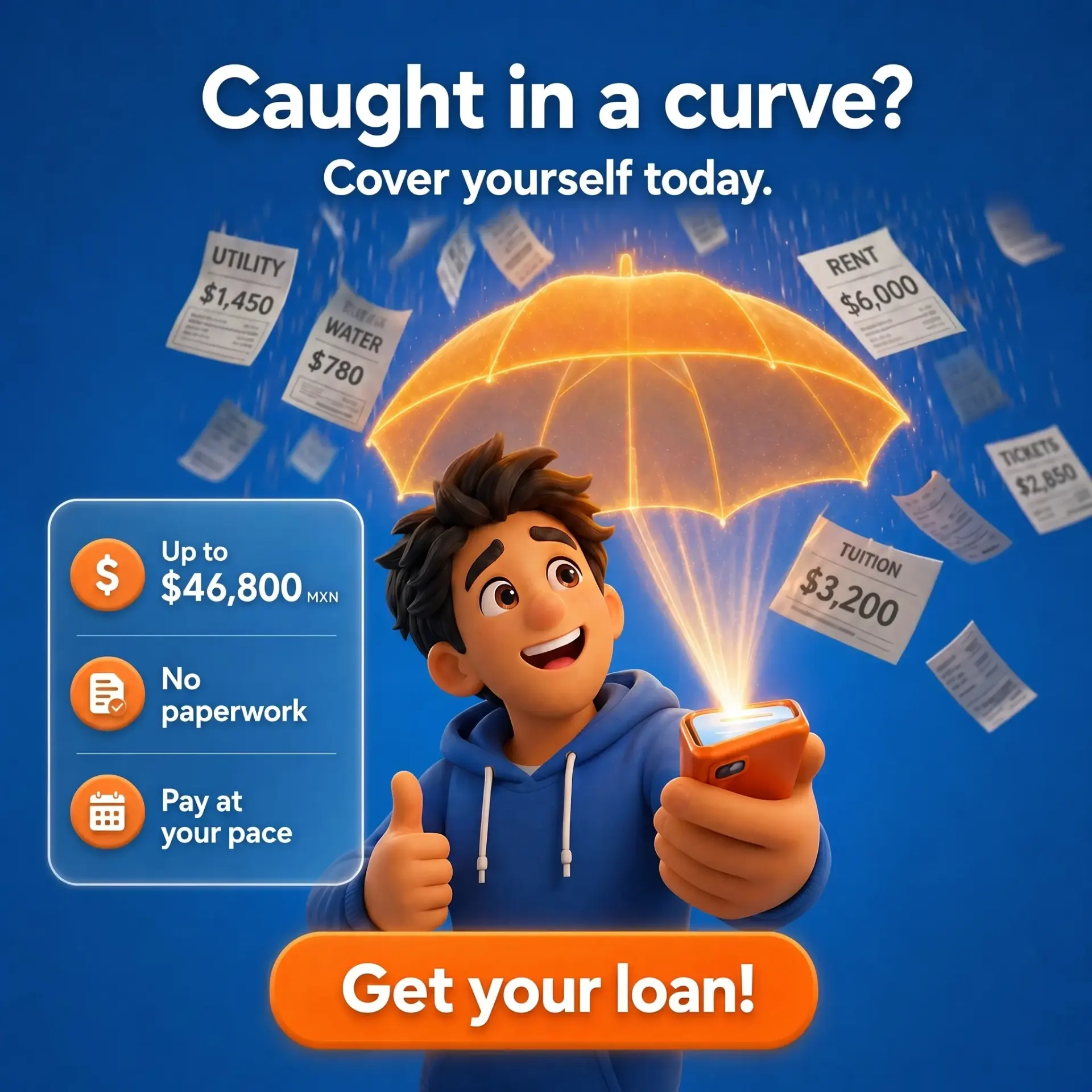
The 9:16 canvas, safe zones included.
Toggle the safe zones to see the areas PixFit keeps clear of TikTok's caption tray, action stack and profile chip.Curve
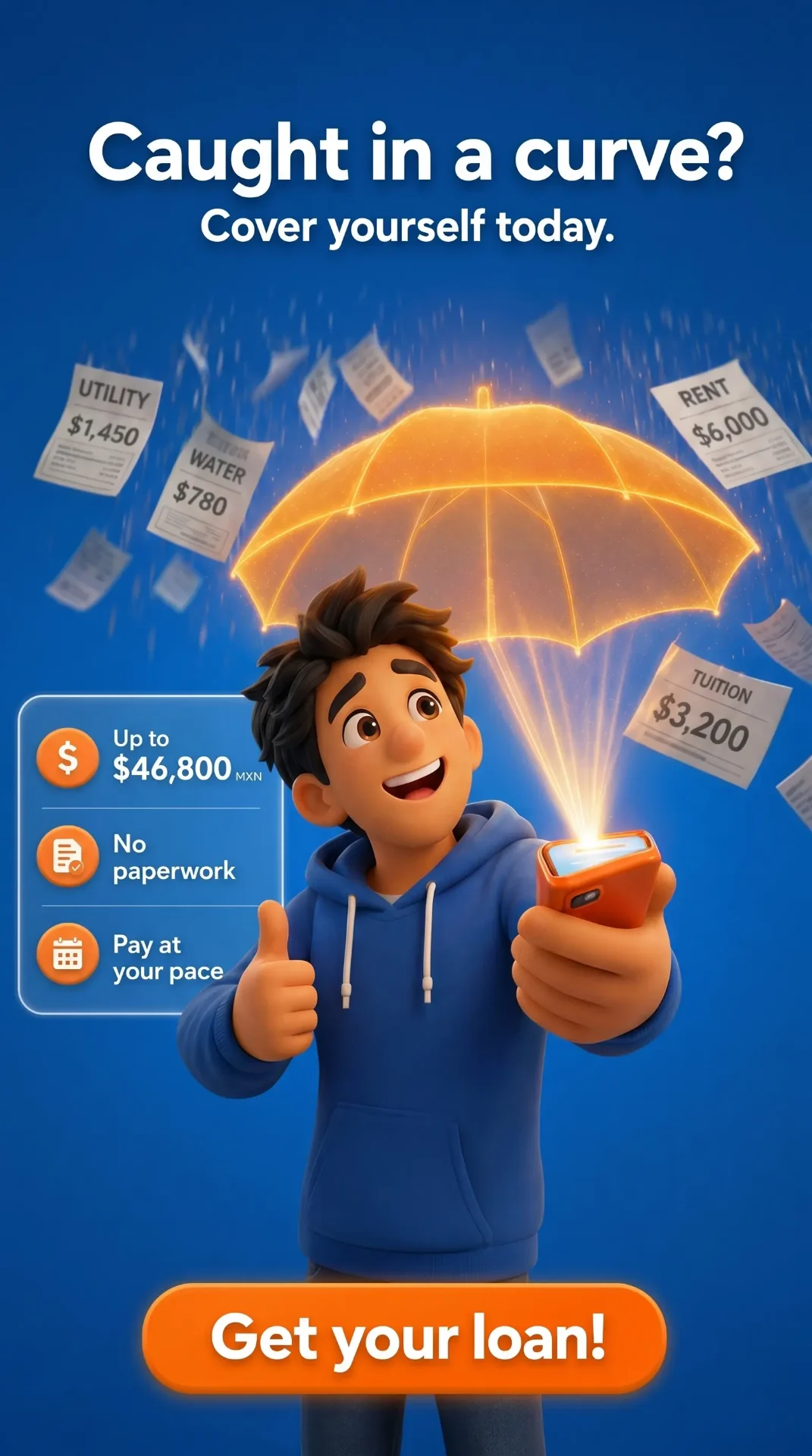
Full-screen immersive
Central content is protected from the top profile chip, the caption block, the like/comment/share stack.
Hook above the caption tray
Your opening message and on-screen text stay above TikTok's bottom UI, so viewers actually read them.
Clear of the action stack
Product and faces are pushed away from the right-side like/share/comment column — nothing important gets covered.
Profile chip protected
Logos and brand marks stay out of the top-left zone where the username and follow button sit.
Formats PixFit outputs for TikTok
Every TikTok Ads size PixFit adapts from a single key visual, safe zones baked in for the caption tray and action stack.
TikTok wants volume and motion. PixFit gives you both.
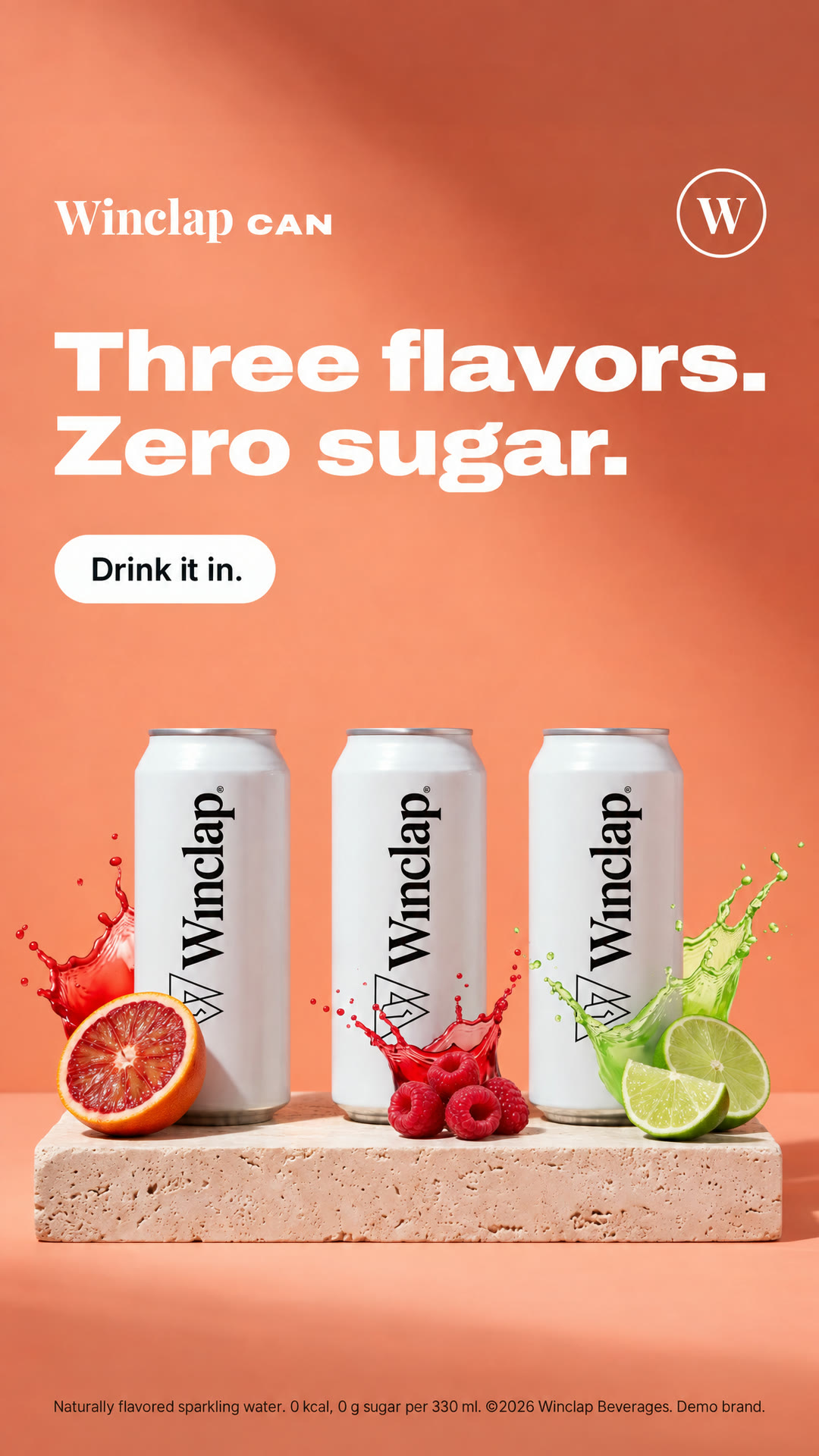
TikTok 9:16 from one key visual.
- Caption tray, action stack and profile chip kept clear.
- Ready to upload, no manual safe-zone checks.
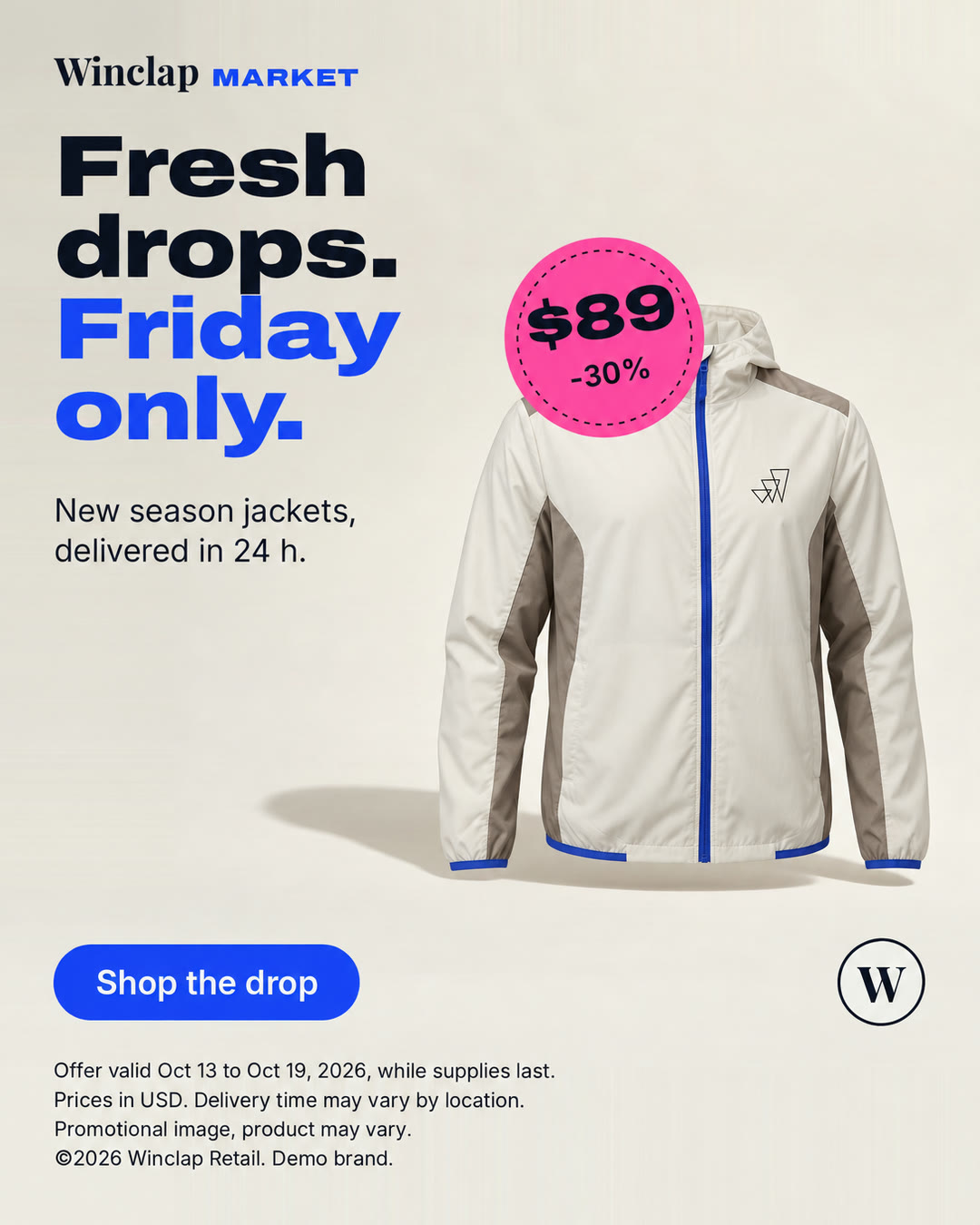
More creatives to test without redesigning.
- Swap hooks, offers and CTAs field by field.
- Swap the product with a reference image.
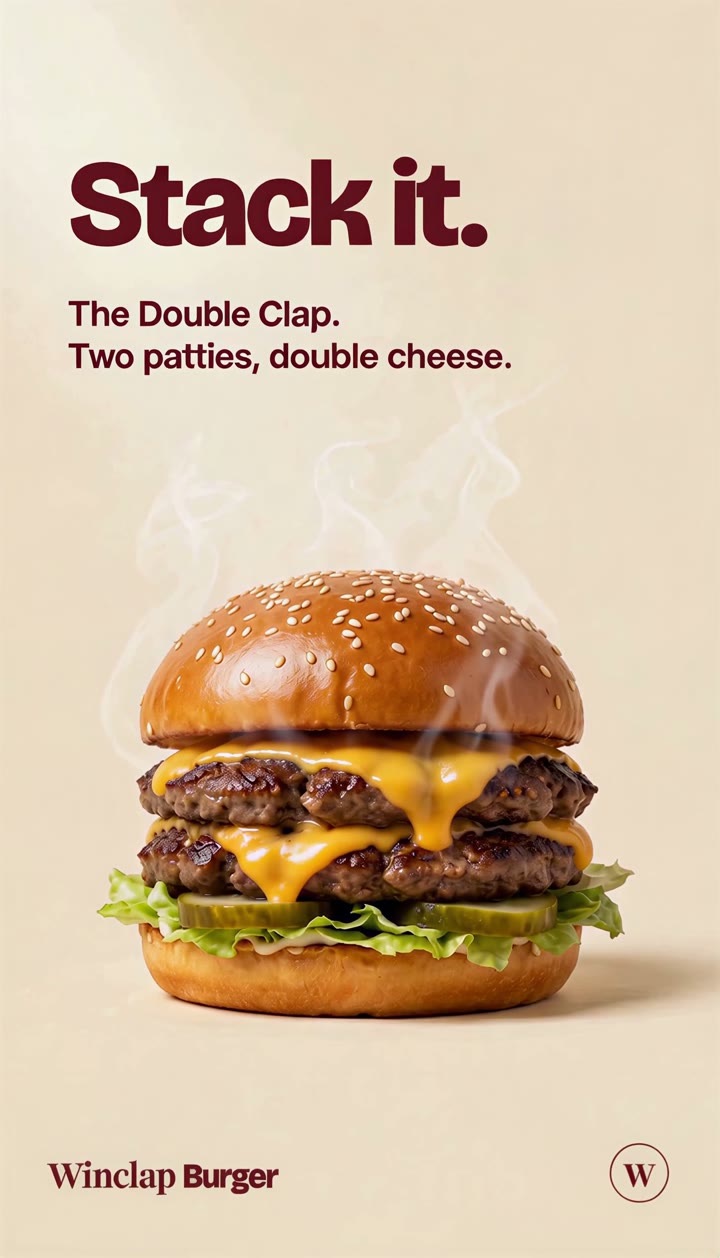
Turn approved statics into 9:16 video ads.
- You approve every keyframe before anything renders.
- Fast for dynamic motion, Quality for product scenes.
TikTok ads sizing, questions we hear
See it on other platforms
PixFit isn't TikTok-only. Explore the resize flow on the other paid channels or on the landing page for your team.
One key visual. TikTok-ready.
Bring a key visual and see it framed for TikTok in minutes.