META
One key visual. Every Meta placement.
Upload any key visual. PixFit reframes it into Meta's three core formats - keeping focal elements clear of Facebook and Instagram's UI on every placement.

Reading the layout…0/3
Placements
Every placement, safe zones included.
Toggle the safe zones to see the areas PixFit keeps clear of Facebook and Instagram's UI on every output.Curve
Meta 1:1
The cross-placement standard
Works across every Facebook and Instagram feed.
Meta 4:5
Maximum feed real estate
The tallest ratio Meta allows in-feed.
Meta 9:16
Optimized for Stories & Reels
Full-screen immersive placement.
Specs
Formats PixFit outputs for Meta
Every Meta ad size PixFit adapts from a single key visual. Delivered production-ready, with safe zones enforced automatically.
Solutions
Beyond resizing for Meta. Version it, then put it in motion.

Resize
Every Meta placement from one key visual.
- Feed 1:1 and 4:5, Stories and Reels 9:16.
- Headline, logo, CTA and legal inside Meta's safe zones.

Iterate
The same Meta creative for every market and promo.
- Language, price, CTA and legal changed field by field.
- Swap the product with a reference image, same layout.
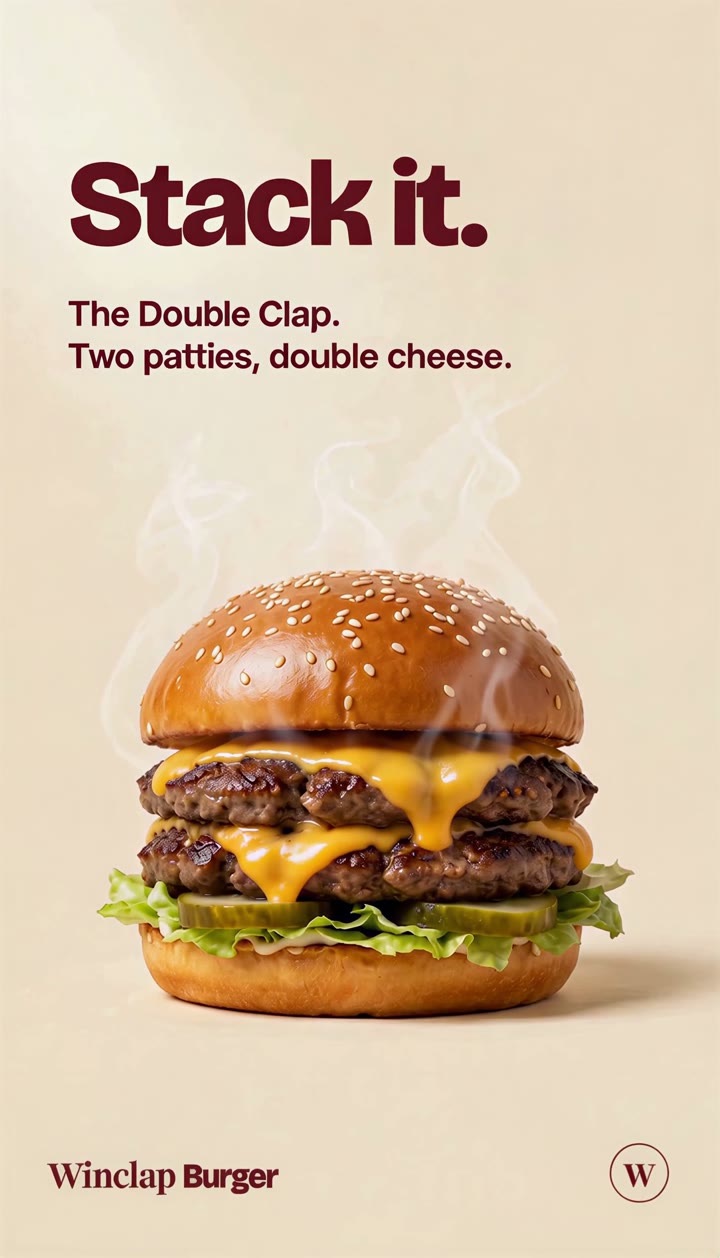
Asset AnimationNew
Reels and Stories video from the statics you approved.
- You direct brief, storyboard and every keyframe.
- Outputs in 9:16, 1:1 and 16:9.
FAQ
Meta ads sizing, questions we hear
Keep exploring
See it on other platforms
PixFit isn't Meta-only. Explore the resize flow on the other paid channels or on the landing page for your team.
One key visual. Every Meta size.
Bring a key visual and see the full Meta set in minutes.